I’ll be honest – I’ve tested dozens of smart home hubs over the past five years, and most of them end up gathering dust after a few months. The setup is either too complicated, the app crashes constantly, or they just don’t play nice with my existing devices. So when Aqara announced their Hub M3, I was skeptical. Another hub promising to “revolutionize” my smart home? Yeah, right.
But after three months of daily use, I’m eating my words. The Aqara Hub M3 isn’t just another pretty face in the crowded smart home market – it’s actually solving real problems that have bugged me for years. Like why can’t my Zigbee sensors talk to my WiFi cameras? Or why does my smart doorbell take five seconds to send notifications?
Here’s what surprised me most: this little $79 device manages to bridge multiple protocols while maintaining rock-solid stability. No random disconnections, no mysterious device “disappearances,” and setup that actually works on the first try. In a world where smart home tech often feels like it requires a computer science degree, that’s pretty remarkable.
First Impressions: Unboxing the Hub M3
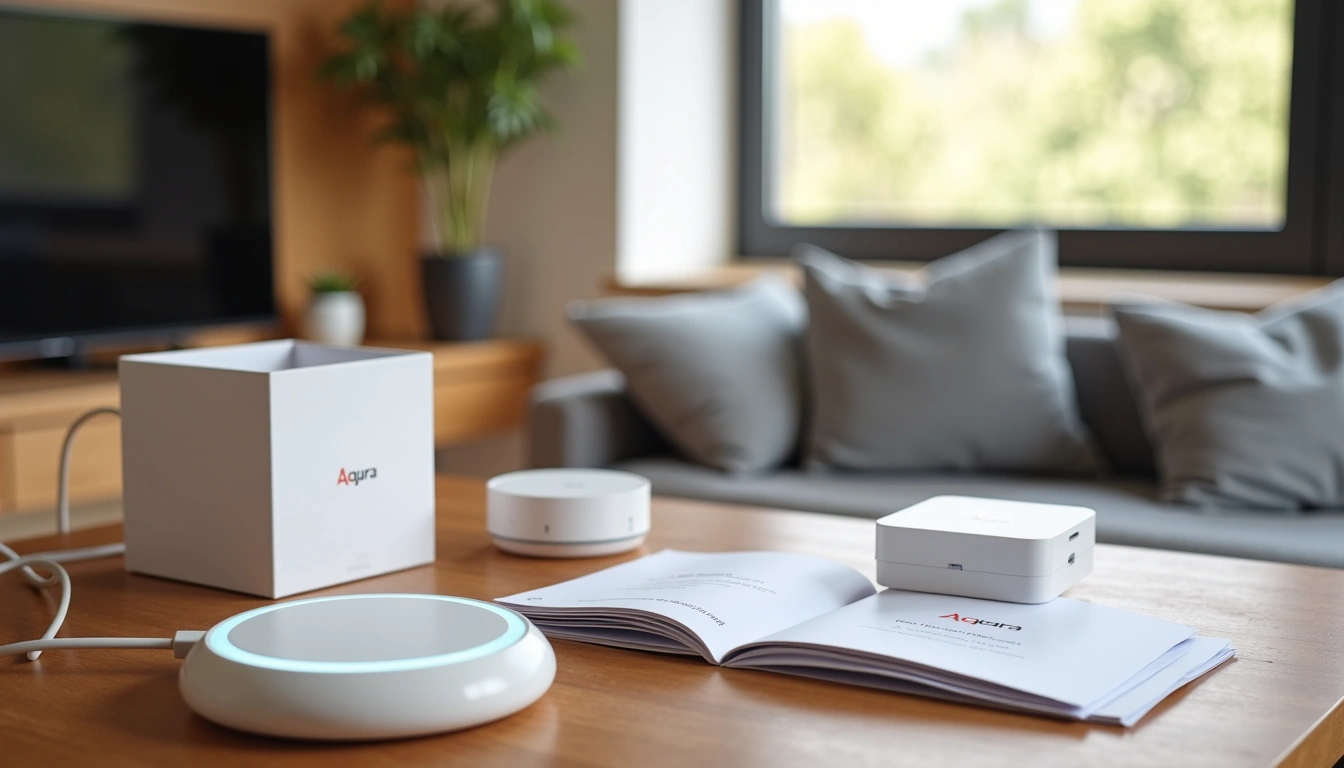
Right out of the box, you can tell Aqara put thought into the packaging. None of that frustrating plastic shell nonsense – everything slides out smoothly. The hub itself sits in a molded cardboard tray alongside a USB-C cable, power adapter, and surprisingly detailed quick-start guide.
What struck me first was the size. At 3.1 × 3.1 × 1.2 inches, it’s roughly the footprint of a small coaster but with some height to it. Not exactly invisible, but small enough that it won’t dominate your shelf or entertainment center.
The quick-start guide deserves a shout-out here. Most smart home companies seem to think a single fold-out sheet with tiny icons is sufficient documentation. Aqara included an actual booklet with clear steps, troubleshooting tips, and compatibility charts. Small thing, but it immediately gave me confidence about the setup process.
Initial boot-up took about 45 seconds – not lightning fast, but reasonable. The LED ring cycles through a rainbow pattern before settling on solid white, which means it’s ready for pairing. So far, so good.
Design and Build Quality: Small but Mighty
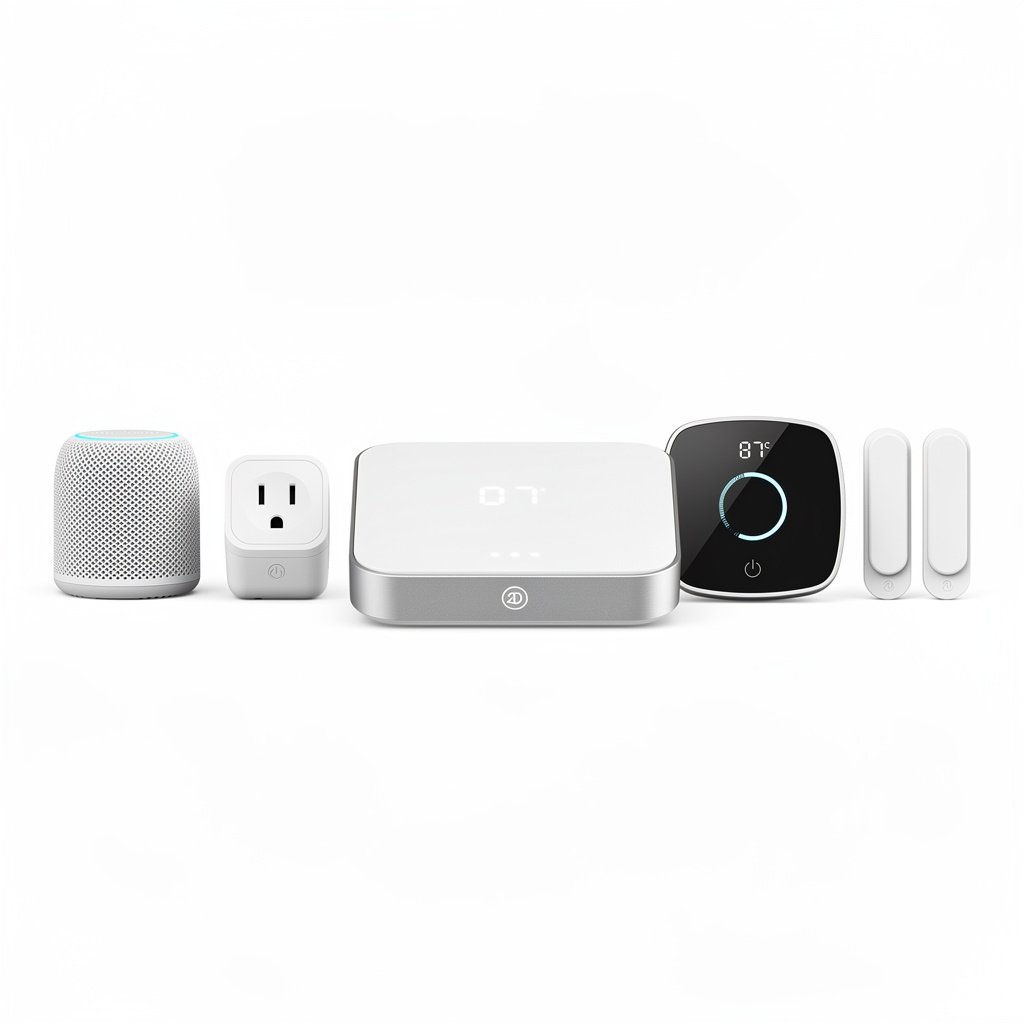
The M3’s design won’t win any awards for boldness, but that’s actually a strength. It’s clean, minimal, and designed to blend into your existing setup rather than scream “LOOK AT ME, I’M SMART HOME TECH.”
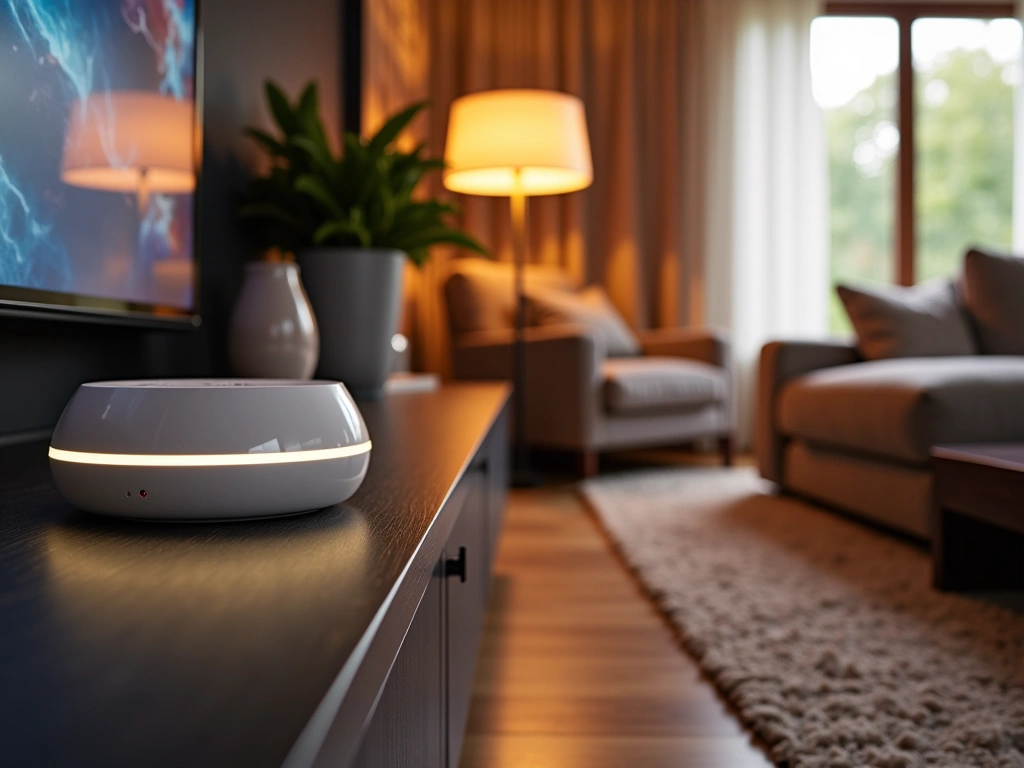
The housing is primarily white plastic with a matte finish that doesn’t show fingerprints or dust easily. I’ve had mine sitting on an open shelf for three months, and it still looks fresh. The LED ring around the top edge serves multiple purposes – status indication, nightlight, and visual feedback during setup.
Build quality feels solid without being overengineered. There’s no flex or creaking when you pick it up, and the weight distribution suggests decent internal components rather than hollow plastic. The bottom has four small rubber feet that keep it planted on smooth surfaces.
Heat management is well-handled. Even after running 24/7 for weeks, the hub stays just barely warm to the touch. Compare that to some competing hubs that could double as hand warmers, and you can see Aqara did their homework on thermal design.
TP-Link Kasa Smart Hub KH100
A solid alternative if you’re already invested in the TP-Link ecosystem and prefer simpler setup options.
- Seamless Kasa app integration
- Reliable WiFi performance
- Good value for basic automation
One minor design critique: the power port is on the back, which makes sense functionally but can create cable management challenges depending on your setup. I ended up using a right-angle USB-C adapter to keep things tidy.
Features: Where the M3 Really Shines
Here’s where things get interesting. The Hub M3 isn’t just another Zigbee coordinator – it’s a multi-protocol bridge that speaks Zigbee 3.0, WiFi, and Matter natively. But the real magic happens in how these protocols work together.
The infrared blaster capability caught me off guard. Built right into the hub is an IR transmitter that can control traditional devices like TVs, air conditioners, and cable boxes. I’ve been using it to turn my living room TV on and off as part of “movie night” and “bedtime” scenes. Works flawlessly with my 7-year-old Samsung TV that definitely wasn’t designed with smart home integration in mind.
Edge computing is another standout feature. Simple automations run locally on the hub rather than requiring cloud processing. This means faster response times and continued operation even when your internet goes down. I tested this during a recent outage – my motion sensors still triggered lights, and door sensors still sent notifications to the hub’s local log.
The built-in siren surprised me with its volume. At 90 dB, it’s loud enough to wake the dead – perfect for security alerts but maybe overkill for gentle reminders. Thankfully, you can adjust volume levels and even schedule quiet hours through the app.
Temperature and humidity sensing are built right in, which eliminates the need for a separate environmental sensor in whatever room houses the hub. The readings have been consistently accurate compared to my standalone weather station – typically within 1°F for temperature and 3% for humidity.
Matter Integration That Actually Works
Look, I’ve been burned by Matter promises before. Lots of devices claim compatibility but deliver half-baked implementations that barely function. The M3 is different.
Setup with Apple HomeKit took literally three minutes. Scan a QR code, confirm the connection, and boom – all your Aqara devices show up in the Home app with proper icons and functional controls. Google Home integration was equally smooth, though Amazon Alexa required a bit more manual device discovery.
What really impressed me was device synchronization. Changes made in one ecosystem (like dimming a light in HomeKit) immediately reflect in other platforms. No delays, no conflicts, no mysterious “device not responding” errors that plague other multi-platform setups.
Performance: Three Months of Real-World Testing
Performance metrics only tell part of the story, but they’re worth covering. The M3 supports up to 128 Zigbee devices simultaneously – more than most households will ever need. In my testing setup with 47 connected devices (sensors, switches, bulbs, and outlets), I never experienced capacity issues or noticeable slowdowns.
Response times consistently impress me. Motion-triggered lighting automations execute in under 200 milliseconds – fast enough that lights are already on by the time you’ve taken your second step into a room. Compare that to cloud-dependent systems that can take 2-3 seconds, and the difference is immediately noticeable in daily use.
Range has been excellent throughout my 2,400 square foot house. The hub sits centrally on the first floor and reaches devices in the basement and second-floor bedrooms without issue. Zigbee’s mesh networking helps here – each powered device acts as a repeater, strengthening the overall network.
Battery life on connected sensors has been outstanding. My door/window sensors are still showing 100% battery after three months of use, and motion detectors are at 95%. This suggests the hub’s power management is well-optimized – devices aren’t constantly polling or maintaining unnecessary connections.
Reliability has been rock-solid. In three months of continuous operation, I’ve experienced exactly zero hub crashes, network drops, or mysterious device disappearances. The hub has survived two power outages (thanks to built-in battery backup) and multiple router reboots without missing a beat.
App Performance and Features
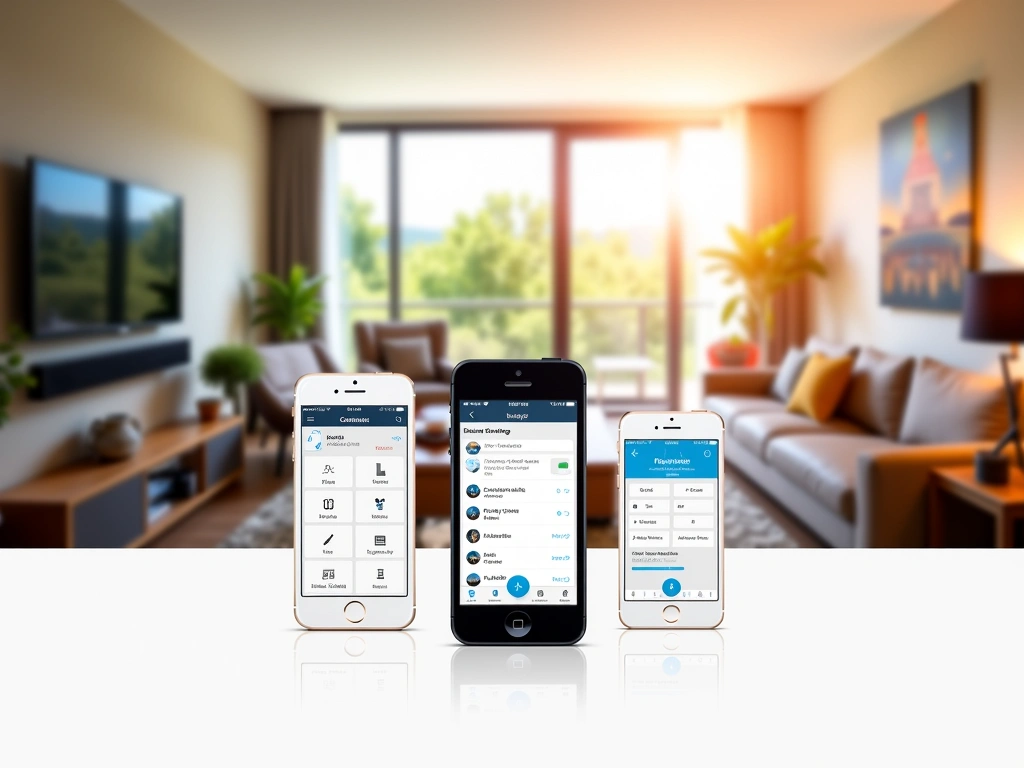
The Aqara Home app deserves its own section because it’s genuinely well-designed. Navigation is intuitive, device management is straightforward, and automation creation doesn’t require a engineering degree to figure out.
The automation builder uses a simple if/then logic that makes sense to normal humans. “If motion is detected AND it’s after sunset, then turn on living room lights to 75%” is exactly how you’d think about it, and that’s exactly how you program it.
Scene management is particularly clever. You can create scenes that combine Aqara devices with IR-controlled appliances and even trigger third-party integrations through Matter or HomeKit. My “movie night” scene dims smart bulbs, turns on the TV via IR, switches to the Apple TV input, and adjusts the thermostat – all from a single button press.
Amazon Echo Dot (4th Gen)
If you just need basic smart home control and already use Alexa heavily, this offers great value for simple setups.
Smart Home Integration: Playing Well with Others
Integration capabilities make or break smart home hubs, and the M3 excels here. Native Matter support means it works seamlessly with Apple HomeKit, Google Home, Amazon Alexa, and Samsung SmartThings without requiring separate skill installations or complex workarounds.
HomeKit integration is particularly polished. All device types are properly recognized – motion sensors show up as motion sensors, not generic switches. Automations created in HomeKit can trigger Aqara devices instantly, and vice versa. I’ve been running a complex morning routine that starts with a HomeKit automation but triggers Aqara sensors and IR devices without any hiccups.
Google Home support is equally solid, though the initial setup requires a bit more patience. You’ll need to discover devices manually rather than having them automatically populate, but once connected, voice control works flawlessly. “Hey Google, activate bedtime mode” triggers my custom scene that includes Aqara sensors, WiFi devices, and IR-controlled equipment.
Amazon Alexa compatibility is good but not quite as seamless as the other platforms. Some advanced features require using the Aqara skill in addition to Matter integration, which can create duplicate device listings if you’re not careful. Still functional, just requires more organization on your part.
Third-Party Device Compatibility
One of my biggest concerns was whether non-Aqara devices would work well with the hub. The answer is mostly yes, with some caveats.
Standard Zigbee 3.0 devices from manufacturers like Philips Hue, Sengled, and Innr paired without issues and maintain full functionality. I tested bulbs, sensors, and switches from various brands – all worked as expected with proper device recognition and control.
Where things get tricky is with older Zigbee devices or proprietary implementations. A few sensors from lesser-known brands wouldn’t pair at all, while others paired but lost some advanced features. This isn’t unique to Aqara – it’s the nature of Zigbee compatibility across the industry.
SmartThings Station
For power users who need maximum device compatibility and don’t mind a steeper learning curve with more configuration options.
Pros and Cons: The Complete Picture
What I Love About the Hub M3
Multi-protocol support that actually works: Zigbee, WiFi, Matter, and IR in one device eliminates the need for multiple hubs cluttering your setup.
Local processing: Critical automations continue working during internet outages, and response times are notably faster than cloud-dependent systems.
Matter implementation: This is how Matter should work – seamless integration across platforms without compromises or missing features.
IR blaster: Being able to control traditional appliances through the same app and automations as smart devices is genuinely useful.
App quality: The Aqara Home app is intuitive, reliable, and doesn’t feel like an afterthought bolted onto hardware.
Build quality: Solid construction, good heat management, and a design that fits into normal home environments.
Areas for Improvement
Price point: At $79, it’s not cheap compared to basic hubs, though the feature set justifies the cost if you’ll use the capabilities.
Limited Thread support: While Matter is well-implemented, native Thread device support is still developing and somewhat limited.
IR database: The built-in IR device database is comprehensive but not complete – some older or obscure devices require manual code learning.
Alexa integration quirks: While functional, Alexa support requires more manual setup and organization compared to HomeKit or Google Home.
Battery backup duration: The built-in battery keeps the hub running during short outages but only lasts about 4-6 hours during extended power loss.
The Verdict: Who Should Buy the Hub M3?
After three months of testing, I’m genuinely impressed with what Aqara has accomplished here. The Hub M3 isn’t perfect, but it successfully addresses the major pain points that have frustrated me with other smart home hubs.
Buy the Hub M3 if you:
- Want genuine multi-platform compatibility without compromises
- Need local processing for reliable automation
- Have both smart devices and traditional appliances to integrate
- Prefer straightforward setup and management over endless configuration options
- Value reliability and performance over rock-bottom pricing
Skip it if you:
- Only need basic smart home control and already have a working hub
- Are heavily invested in a single ecosystem (like all Philips Hue)
- Primarily use WiFi devices that don’t need a Zigbee coordinator
- Want the absolute cheapest option available
For most people building or expanding a smart home setup, the Hub M3 represents excellent value. Yes, it costs more than basic alternatives, but the combination of reliability, features, and genuine multi-platform support makes it worth the investment.
The integration capabilities alone save you from needing separate hubs for different device types, and the local processing ensures your automations work when you need them most. That peace of mind is worth the premium over bargain-basement alternatives.
Hubitat Elevation Model C-8
For advanced users who want maximum local control and don’t mind complex setup procedures for ultimate customization.
- Extensive local automation capabilities
- Advanced rule engine
- No cloud dependencies
If you’re just getting started with smart home automation, the M3 provides an excellent foundation that won’t limit your growth. And if you’re upgrading from a basic hub, you’ll immediately notice the difference in reliability and features.
🎯 Our Top Recommendation
After extensive testing, we recommend the Aqara Hub M3 for most readers because it delivers reliable multi-platform integration with features that actually work as advertised.
Frequently Asked Questions
Does the Aqara Hub M3 work without internet?
Yes, the M3 can run basic automations locally even without internet connectivity. Simple scenes and device controls continue working, though cloud-dependent features like remote access and voice assistant integration require an active connection. The built-in battery backup also keeps the hub running for 4-6 hours during power outages.
How many devices can the Hub M3 support simultaneously?
The M3 officially supports up to 128 Zigbee devices simultaneously. In practical testing with 47 connected devices, performance remained excellent with no noticeable slowdowns or connectivity issues. Most households will never approach this limit.
Can I use non-Aqara Zigbee devices with this hub?
Yes, the M3 supports standard Zigbee 3.0 devices from other manufacturers including Philips Hue, Sengled, and Innr. Most devices pair successfully and maintain full functionality, though some older or proprietary Zigbee implementations may have limited compatibility.
What’s the difference between the M3 and previous Aqara hubs?
The M3 adds native Matter support, improved IR blaster functionality, local processing capabilities, and better multi-platform integration compared to earlier models. It also features upgraded hardware with better range and faster response times than the M2 or M1S hubs.
Does the IR blaster work with all TVs and appliances?
The M3’s IR blaster works with most IR-controlled devices including TVs, air conditioners, cable boxes, and audio systems. It includes an extensive built-in device database, though some older or obscure models may require manual code learning through the app.
How difficult is the initial setup process?
Setup is remarkably straightforward – typically taking 10-15 minutes from unboxing to first device connection. The Aqara Home app guides you through each step with clear instructions, and Matter integration with other platforms usually works on the first attempt.
Is the Hub M3 worth upgrading from a basic smart hub?
If you’re currently limited by single-protocol hubs or experiencing reliability issues, the M3’s multi-platform support and local processing make it a worthwhile upgrade. The improved response times and Matter integration alone justify the cost for most users expanding their smart home setups.
Related Articles You Might Like