Related: Matter Smart Locks vs Z-Wave 2025: Performance Test Results
🔗 Related From Our Network
How do I set up a WiFi smart plug for the first time?
Plug in your smart plug, download the manufacturer’s app, and follow the setup wizard. Connect it to your WiFi network, then name and organize the plug in the app. For example, TP-Link Kasa or Belkin Wemo guides walk you through pairing with Alexa or Google Assistant seamlessly.
Can smart plugs help reduce energy bills?
Yes! Energy-monitoring smart plugs track real-time wattage and historical usage. They identify “vampire loads” (devices draining power when idle) and let you schedule or automate power cuts. Models like the Ecobee Smart Switch offer detailed insights to optimize energy use.
Are WiFi smart plugs compatible with other smart home systems?
Most WiFi smart plugs work with Alexa, Google Assistant, and Apple HomeKit. For Matter-enabled ecosystems, check for Matter certification (e.g., Samsung SmartThings or Apple HomeKit). Z-Wave plugs may require a hub for full compatibility with non-Z-Wave systems.
How secure are WiFi smart plugs?
Top smart plugs use WPA3 encryption and regular firmware updates to prevent hacking. Avoid cheap, unbranded models. Brands like TP-Link and Philips Hue prioritize security, offering features like guest network isolation and two-factor authentication in their apps.
🔌 Editor’s Pick
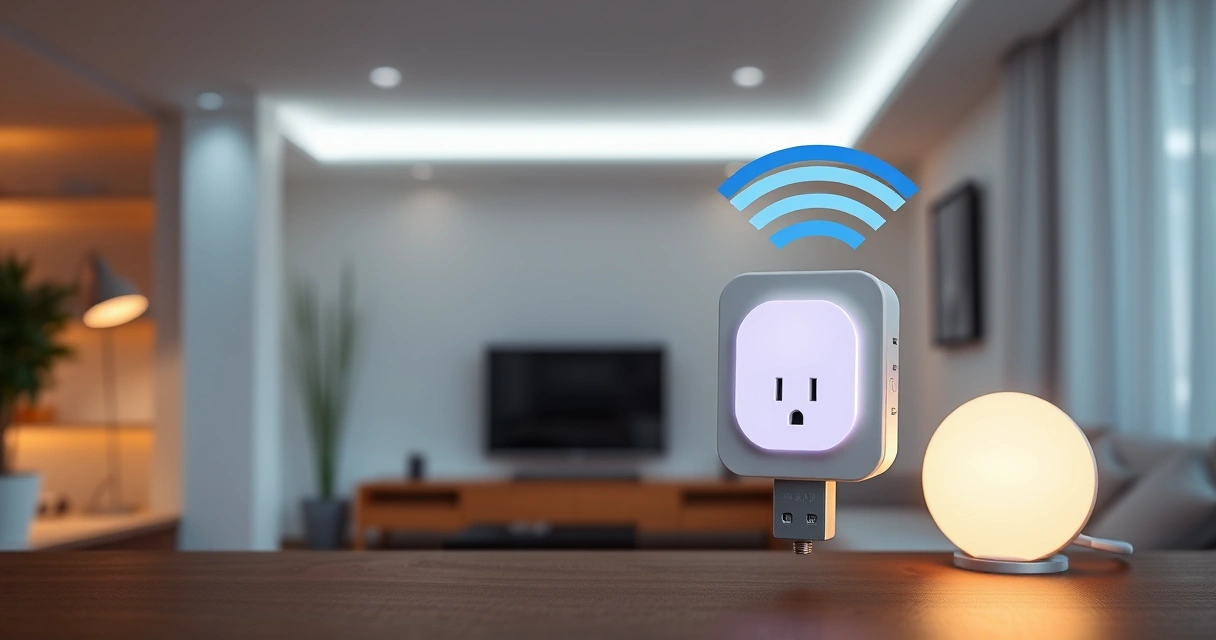
Editor’s Pick: Wi-Fi smart plug with energy monitoring and voice control.
Make Your Home Smarter
Device reviews, automations, and the deals worth grabbing.
Related Articles You Might Like