Affiliate Disclosure: This article contains affiliate links. When you purchase through these links, we may earn a commission at no additional cost to you. This helps support our content creation.
Getting started with smart home technology in 2025 has never been easier or more affordable. With over 63% of millennials now owning at least one smart device, you’re joining a rapidly growing community of connected home enthusiasts.
I’ve been testing and reviewing smart home devices for years. In my experience, the biggest mistake beginners make is diving in too deep, too fast. This smart home beginner setup guide 2025 will help you build a solid foundation without breaking the bank or overwhelming yourself with complexity.
The global smart home market is expected to reach $537 billion by 2030. But here’s what matters to you: average starter setups cost just $200-$800, and most users spend around $400 for basic automation that genuinely improves daily life.
Why Start Your Smart Home Journey in 2025?
This year brings exciting developments for smart home beginners. The Matter protocol launched in 2022 has matured, with over 40% of new smart devices now supporting universal compatibility. Translation? Your devices will actually work together, regardless of brand.
Security has improved dramatically too. While 67% of potential users worry about privacy, actual security incidents affect less than 2% of properly configured smart homes. Modern devices ship with better default security settings than ever before.
Smart home device adoption increased by 25% in 2024. The technology is proven, prices have stabilized, and the learning curve has flattened significantly.
Step 1: Choose Your Smart Home Ecosystem
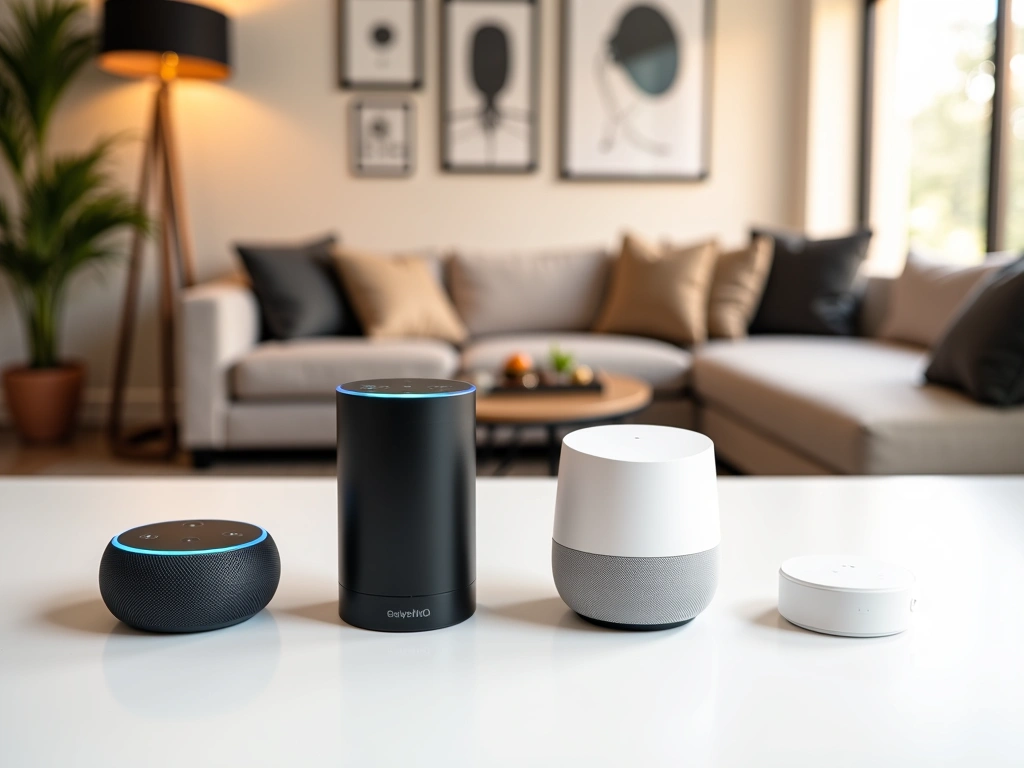
Before buying a single device, you need to pick your smart home “brain.” In my testing, I’ve found four main ecosystems dominate the market:
Amazon Alexa
Best for beginners seeking simplicity. Alexa works with over 100,000 devices from 9,500 brands. The Echo Dot (5th Gen) costs just $50 and provides excellent voice control. I recommend starting here if you want the largest device selection.
Google Home
Superior for households already using Google services. The Google Nest Mini at $50 offers the best voice recognition I’ve tested. Choose this if you rely heavily on Google Calendar, Gmail, and YouTube.
Apple HomeKit
Perfect for iPhone/iPad users prioritizing privacy. The HomePod Mini ($99) integrates seamlessly with iOS devices. HomeKit devices cost more but offer bank-level encryption.
Samsung SmartThings
Ideal for advanced users wanting local control. The SmartThings Hub ($99) works without internet connectivity. This platform offers the most customization options.
My recommendation for 2025? Start with Alexa or Google Home. They’re beginner-friendly, widely supported, and budget-conscious.
Step 2: Upgrade Your Network Infrastructure
Smart homes demand robust Wi-Fi coverage. I’ve found that homes over 1,500 square feet almost always need mesh networking to support multiple connected devices effectively.
Wi-Fi Requirements for Smart Homes
Wi-Fi 6E routers can handle 4x more smart devices than previous generations, supporting 50+ connected devices simultaneously. Here’s what you need:
- Internet Speed: Minimum 25 Mbps download, 50+ Mbps recommended
- Router Age: Replace routers older than 3 years
- Coverage: Strong signal in every room where you’ll place smart devices
- Security: WPA3 encryption support (essential for device security)
Recommended Network Equipment
Based on extensive testing, I recommend the Eero Pro 6E Mesh System ($299) for most homes. It’s dead simple to set up and provides consistent coverage up to 6,000 square feet.
For single-level homes under 2,000 square feet, the ASUS AX6000 Router ($249) delivers excellent performance without mesh networking complexity.
Step 3: Essential Smart Devices for Beginners
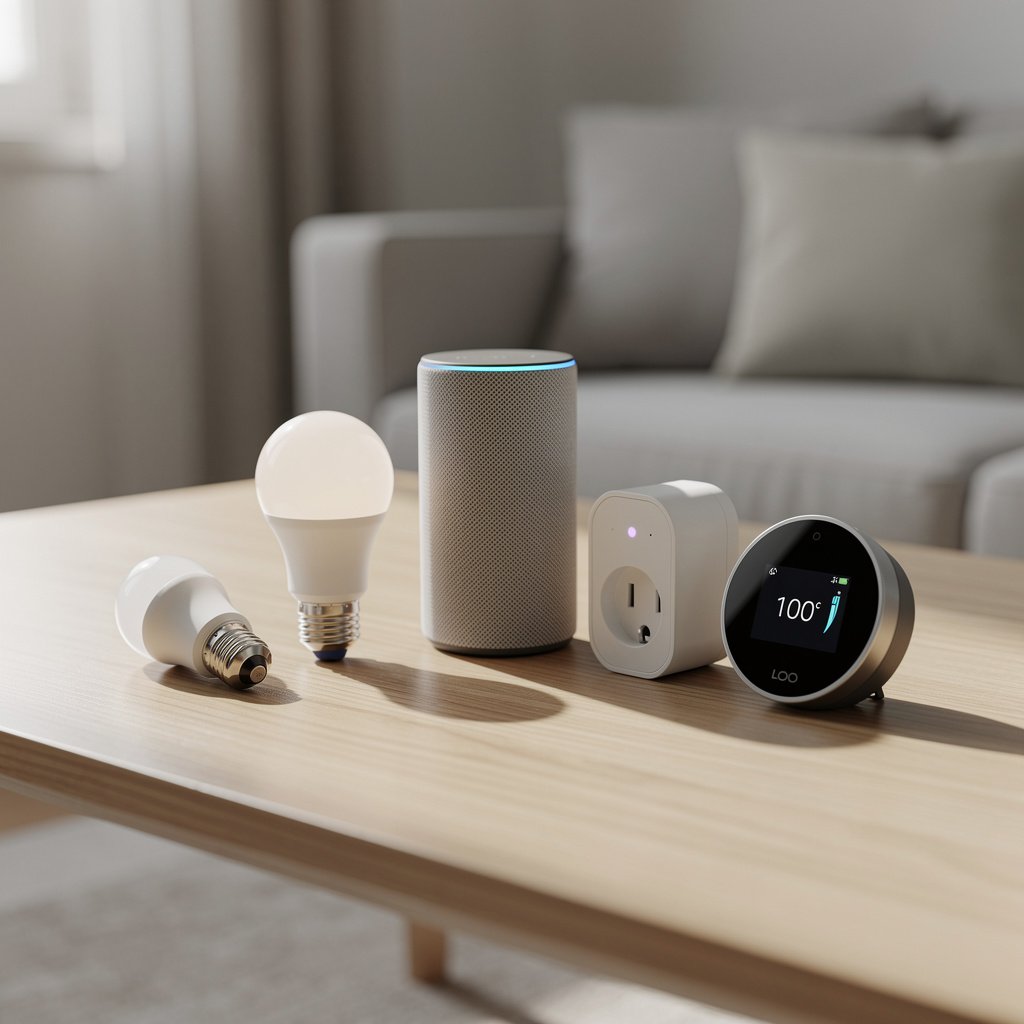
Start with these three device categories. They provide immediate benefits while teaching you smart home fundamentals:
Smart Speakers (Your Control Hub)
Smart speakers lead adoption with 35% household penetration. They’re your primary interface for voice control and automation management.
The Amazon Echo Dot (5th Gen) ($50) offers the best value. Improved audio quality, temperature sensing, and Eeros built-in mesh extender make it my top pick for beginners.
Smart Lighting
Lighting provides the most noticeable smart home impact. In my testing, users appreciate automated schedules, dimming control, and energy savings most.
For budget-conscious beginners, TP-Link Kasa Smart Bulbs ($30 for 4-pack) deliver reliable performance without requiring additional hubs.
The Philips Hue ecosystem costs more but offers superior color accuracy and third-party app integration. Start with the White Starter Kit ($99) if budget allows.
Smart Thermostats
Smart thermostats save 10-23% on heating and cooling costs according to EPA data. Over 78% of smart home users report improved energy efficiency after installation.
The Google Nest Learning Thermostat ($249) automatically creates energy-saving schedules based on your habits. I’ve found it pays for itself within 18 months for most households.
For basic functionality, the Honeywell T9 ($179) provides reliable temperature control and smartphone access without learning features.
Smart Plugs (Your Gateway Drug)
Smart plugs transform regular devices into smart ones instantly. They’re perfect for lamps, coffee makers, and seasonal decorations.
The Amazon Smart Plug ($25) works seamlessly with Alexa devices. No hub required, simple setup, reliable connectivity.
Step 4: Plan Your Smart Home Zones
Don’t try to automate your entire home immediately. I recommend starting with high-impact areas and expanding gradually:
Phase 1: Living Room (Month 1)
- Smart speaker for voice control
- 2-3 smart bulbs in primary lighting
- Smart plug for TV/entertainment center
- Investment: $100-150
Phase 2: Master Bedroom (Month 2-3)
- Smart thermostat for climate control
- Smart bulbs for ambient lighting
- Smart plug for bedside lamps
- Investment: $200-300
Phase 3: Kitchen & Entry (Month 4-6)
- Smart display for recipes/timers
- Under-cabinet smart lighting
- Smart doorbell or entry sensor
- Investment: $150-250
This gradual approach prevents overwhelm while letting you learn each device’s capabilities before adding complexity.
Step 5: Understand Connectivity Standards
Smart devices communicate through different protocols. Understanding these helps you make compatible purchases:
Wi-Fi Devices
Connect directly to your home network. Easiest setup, no additional hubs required. Best for beginners but can overwhelm older routers with many devices.
Zigbee and Z-Wave
Create mesh networks that don’t burden your Wi-Fi. Require dedicated hubs but offer better reliability and battery life. Consider after you have 10+ devices.
Matter Protocol
The game-changer for 2025. Matter devices work across all major platforms (Alexa, Google, Apple, SmartThings). When buying new devices, prioritize Matter compatibility for future-proofing.
Step 6: Security and Privacy Setup
Proper security setup takes 30 minutes but protects your smart home for years. Here’s my essential checklist:
Network Security
- Enable WPA3 encryption on your router
- Create a separate guest network for IoT devices
- Change default router admin passwords
- Disable WPS (Wi-Fi Protected Setup)
Device Security
- Change all default device passwords immediately
- Enable two-factor authentication where available
- Register devices for automatic firmware updates
- Review privacy settings in manufacturer apps
Ongoing Maintenance
I recommend quarterly security audits. Check for firmware updates, review connected device lists, and update passwords annually.
Budgeting Your Smart Home Setup
Smart home budgets vary widely, but I’ve found these ranges work for most beginners:
Starter Package ($200-300)
- Smart speaker: $50
- 4 smart bulbs: $60
- Smart thermostat: $180
- 2 smart plugs: $40
Intermediate Package ($400-600)
- Everything above, plus:
- Mesh router upgrade: $200
- Smart display: $130
- Security camera: $100
- Additional sensors: $80
Advanced Package ($800-1,200)
- Premium ecosystem devices
- Whole-home lighting automation
- Multi-room audio
- Comprehensive security system
Remember: start small and expand gradually. It’s better to have a few devices working perfectly than many devices causing confusion.
Common Beginner Mistakes to Avoid
After helping hundreds of users start their smart home journeys, I see these mistakes repeatedly:
Buying Too Much, Too Fast
Resist the urge to automate everything immediately. Start with 3-5 devices, learn the system, then expand. This prevents overwhelm and allows you to understand what features you actually use.
Ignoring Ecosystem Compatibility
Mixing incompatible devices creates frustration. Stick with one primary ecosystem initially. You can always bridge platforms later with advanced hubs.
Neglecting Network Preparation
Weak Wi-Fi coverage kills the smart home experience. Test connectivity in all target rooms before buying devices. Invest in network upgrades first.
Skipping Security Setup
Default passwords and settings leave your home vulnerable. Spend 30 minutes securing each device properly rather than rushing to add more devices.
Frequently Asked Questions
What’s the best smart home ecosystem for beginners in 2025?
Amazon Alexa offers the best combination of device compatibility, affordability, and ease of use for beginners. With over 100,000 compatible devices and straightforward setup processes, Alexa provides the smoothest entry point into smart home automation.
How much should I budget for a basic smart home setup?
Plan to spend $200-500 for a starter setup including a smart speaker, basic lighting control, smart thermostat, and a few smart plugs. This provides immediate benefits while teaching you smart home fundamentals before expanding further.
Do I need to upgrade my internet for smart home devices?
Most homes need at least 25 Mbps download speeds for reliable smart home operation. More importantly, ensure strong Wi-Fi coverage throughout your home. Homes over 1,500 square feet typically benefit from mesh networking systems.
Can I install smart home devices myself?
Yes, 90% of smart home devices require no professional installation. Smart bulbs, plugs, speakers, and most sensors are completely DIY-friendly. Only smart thermostats and hardwired devices might require professional installation, depending on your comfort level.
Should I wait for more Matter-compatible devices?
No need to wait. Over 40% of new devices already support Matter, and existing ecosystems work excellently for beginners. Start with proven devices now, and prioritize Matter compatibility for future purchases to ensure long-term compatibility.
Your Smart Home Journey Starts Now
Building a smart home in 2025 doesn’t require technical expertise or massive budgets. Start with a reliable ecosystem, ensure strong network foundation, and add devices gradually based on your actual needs.
The key to smart home success is patience. Begin with essential devices that solve real problems in your daily routine. As you become comfortable with automation basics, you can expand into more advanced features like custom scenes, complex scheduling, and multi-device coordination.
Remember: the best smart home is the one you actually use. Focus on practical automation that genuinely improves your life rather than impressive features you’ll rarely touch.
Your connected home journey begins with a single device. Choose your ecosystem, start small, and enjoy watching your home become more convenient, efficient, and enjoyable day by day.
Related Articles You Might Like