Picture this: you walk through your front door after a long day. Your lights automatically turn on. Your thermostat adjusts to the perfect temperature. Your favorite playlist starts playing.
No fumbling for switches. No manually adjusting controls. Just pure convenience.
That’s the magic of home automation, and I’ve been obsessed with it for the past five years. I’ve tested over 50 smart devices, from $10 smart plugs to $300 security cameras. And let me tell you—it’s not as complicated or expensive as you might think.
Home automation is simply using technology to control and monitor your home’s systems automatically. Think of it as giving your house a brain. One that learns your routines and preferences. The benefits? You’ll save money on energy bills, boost your home’s security, and honestly, it just makes daily life smoother.
Here’s what I wish someone had told me when I started: you don’t need to be tech-savvy or spend thousands of dollars. I made plenty of mistakes (like buying incompatible devices), but that’s exactly why I’m writing this guide.
By the time you finish reading, you’ll know exactly how to start your smart home journey. Without the headaches I experienced.
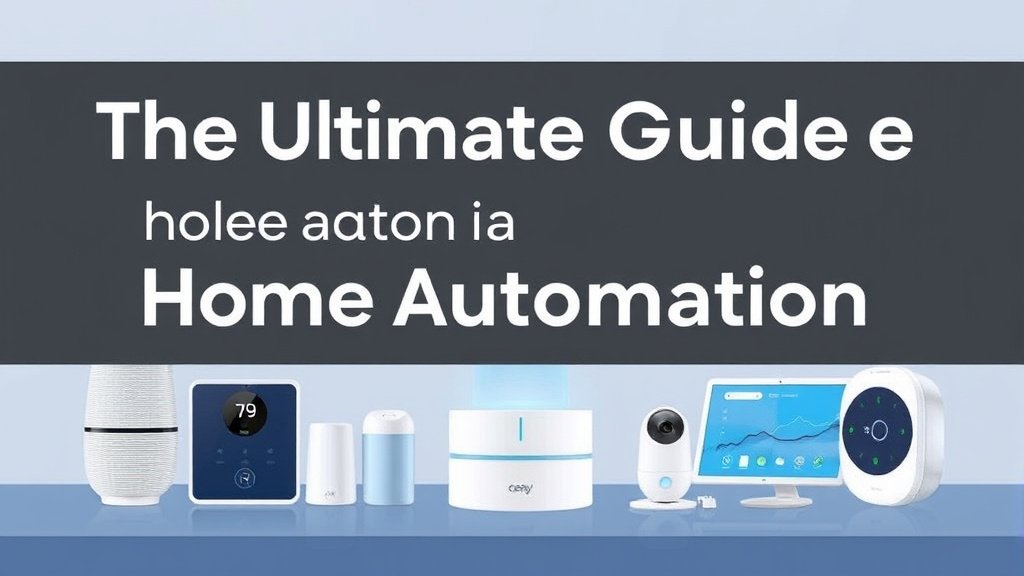
What Is Home Automation and How Does It Work?
Basic Definition and Core Concepts
Let’s clear up some confusion first. There’s a difference between automated, smart, and connected devices:
- Connected devices can be controlled remotely (like turning on lights from your phone)
- Smart devices can learn and adapt to your behavior
- Automated devices perform actions based on triggers without your input
The Internet of Things (IoT)? Just a fancy term for everyday objects that connect to the internet. Your smart doorbell, thermostat, and coffee maker all become part of this network. They talk to each other and to you.
Key Components of a Smart Home System
Every smart home has four basic components:
Sensors detect changes. Motion, temperature, light levels. Controllers make decisions based on that data. Actuators perform actions—turning on lights, locking doors. Hubs act as the central brain, coordinating everything.
I learned this the hard way when my first smart light setup failed miserably. I’d bought smart bulbs but hadn’t considered how they’d communicate with my phone when I wasn’t home. Rookie mistake.
Communication Protocols Explained Simply
Your smart devices need to “talk” somehow. Here are the main languages they use:
Wi-Fi is what most beginners start with. It’s familiar and doesn’t need extra equipment. Bluetooth works for devices you control nearby. Zigbee and Z-Wave are specialized protocols that create mesh networks, where devices repeat signals to extend range.
The key difference? Cloud control means your devices connect through the internet (even for local commands), while local control keeps everything in your house. I prefer local when possible—it’s faster and works even when your internet goes down.
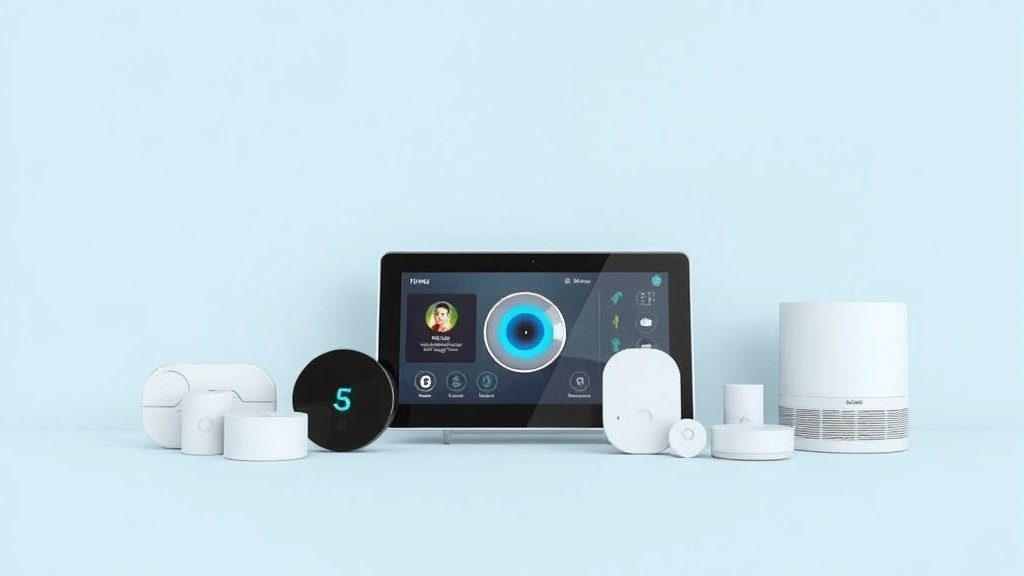
Essential Smart Home Devices for Beginners
Smart Lighting Solutions
Smart lighting was my gateway drug into home automation. And it’s probably yours too. You’ve got two main options:
Smart bulbs are dead simple. Screw them in, connect to your app, done. I love Philips Hue for reliability, but LIFX offers better colors if you’re into mood lighting. Expect to pay $15-50 per bulb.
Smart switches control any light fixture and don’t stop working if someone hits the wall switch. They require basic electrical work (turn off the breaker first!), but they’re more cost-effective for multi-bulb fixtures.
Kasa and Lutron make solid options for $20-40 each.
Climate Control and Thermostats
A smart thermostat was my best investment—it paid for itself in eight months through energy savings. The Nest Learning Thermostat actually learns when you’re home and adjusts automatically. The Ecobee comes with room sensors that prevent hot and cold spots.
Installation is usually straightforward if you have a C-wire (common wire). No C-wire? Some models include adapters, or you might need an electrician.
Security and Monitoring Devices
Smart security doesn’t mean expensive monthly monitoring. I started with a $30 Wyze camera and gradually added more devices.
Smart locks like the August WiFi or Yale Assure give you keyless entry and temporary codes for guests. Video doorbells (Ring, Nest Hello) let you see who’s at the door from anywhere. Window and door sensors detect breaches and can trigger other devices.
Pro tip: start with one outdoor camera and one door sensor. You can always expand later.
Smart Speakers and Voice Assistants
Voice control changes everything. Instead of pulling out your phone, just say “turn off the lights” and boom—done.
Amazon Alexa has the most compatible devices and costs less upfront. Google Assistant understands natural language better and integrates with Google services. Apple’s Siri works great if you’re already in the Apple ecosystem but has fewer compatible devices.
I use Alexa in most rooms, but Google in my kitchen. Why? It’s better at cooking conversions and timer management.
Smart Plugs and Switches
Smart plugs are the perfect starting point. They’re cheap ($10-15), require zero installation, and instantly make any device “smart.” I’ve got them on lamps, coffee makers, and even my Christmas tree.
The TP-Link Kasa plugs have been rock-solid for me. Some include energy monitoring, which is fascinating if you want to see how much your devices actually cost to run.
Choosing the Right Smart Home Platform
This decision will shape your entire smart home. So don’t rush it.
Amazon Alexa Ecosystem
Alexa dominates device compatibility. Nearly every smart home manufacturer supports it. The app can be clunky, but it works. Privacy-wise, Amazon collects voice data to improve services, though you can delete recordings.
Best for: beginners who want the widest device selection and don’t mind Amazon’s data practices.
Google Home Platform
Google’s natural language processing is impressive—it understands context better than Alexa. “Turn off the bedroom lights” works even if you’re not in the bedroom. The Google Home app is cleaner and more intuitive.
Best for: users who rely on Google services and want more conversational voice control.
Apple HomeKit
HomeKit prioritizes privacy—all processing happens locally when possible. Setup is incredibly smooth if you have an iPhone. The downside? Fewer compatible devices and higher prices.
Best for: privacy-conscious users already invested in Apple’s ecosystem.
Samsung SmartThings and Other Options
SmartThings offers more advanced automation but requires more technical knowledge. Hubitat and Home Assistant give you complete local control. But they aren’t beginner-friendly.
My recommendation? Start with Alexa or Google—you can always add other platforms later.
Step-by-Step Setup Guide for Your First Smart Devices
Pre-Installation Planning
Walk through your home and ask: what annoys you daily? Forgetting to turn off lights? Coming home to a dark house? Your biggest frustrations should guide your first purchases.
I started with living room lights because I was constantly getting up to adjust them during movie nights.
Network Requirements and Wi-Fi Optimization
Your Wi-Fi is the foundation of everything. Smart devices aren’t bandwidth-heavy, but they need consistent connectivity.
Place your router centrally and elevate it. Walls and floors weaken signals. If you have dead zones, consider a mesh system like Eero or Google Nest WiFi before buying smart devices.
Each smart device takes an IP address. Most home routers handle 250+ devices, so you’re probably fine. But check your router’s specs if you plan to go crazy with automation.
Installing Your First Smart Device
Let’s set up a smart plug—it’s foolproof and instantly gratifying.
Common hiccups: make sure you’re on 2.4GHz Wi-Fi (most smart devices don’t support 5GHz). And temporarily disable VPNs during setup.
Creating Automation Rules and Scenes
Here’s where the magic happens. Start simple: “Turn on living room lamp at sunset.” Most apps make this drag-and-drop easy.
I created a “Good Night” scene that turns off all lights, locks doors, and sets the thermostat to 68°. One command, multiple actions. Game-changer.
Security and Privacy Considerations
Protecting Your Smart Home Network
Smart devices can be entry points for hackers if not properly secured. Change default passwords immediately—use unique, strong passwords for every device.
I set up a separate IoT network for my smart devices. Most routers support guest networks; use one exclusively for smart home devices. This isolates them from your computers and phones.
Recommended for You
🛒 Philips Hue Starter Kit
As an Amazon Associate we earn from qualifying purchases.
Keep firmware updated. I know, it’s annoying. But security patches matter. Enable automatic updates when available.
Data Privacy and Information Sharing
Read privacy policies (or at least skim them). Companies vary widely in data collection practices. Ring shares data with police upon request. Wyze had a security breach that exposed user videos.
Turn off unnecessary data sharing in device settings. You usually don’t need to share usage analytics or voice recordings for basic functionality.
Physical Security Best Practices
Don’t put smart locks on doors without secondary security (deadbolts, security systems). I learned this during a power outage when my smart lock’s backup key was inside the house. Awkward.
Place cameras thoughtfully—they shouldn’t view neighbors’ property or private areas. Use privacy modes when you’re home.
Budget-Friendly Home Automation Ideas
Starting Small: Under $100 Smart Home Setup
You can start smart home automation for under $100:
- Two smart plugs ($20)
- Smart bulb starter pack ($30)
- Basic smart speaker ($30)
- Door/window sensor ($15)
This gives you lighting control, voice commands, and basic security monitoring.
DIY vs. Professional Installation
Most smart devices are designed for DIY installation. Smart plugs, bulbs, and cameras require no special skills. Smart switches need basic electrical knowledge—if you’ve never replaced a light switch, watch YouTube tutorials first or hire an electrician.
Professional installation makes sense for complex systems, hardwired cameras, or if you’re uncomfortable with electrical work.
Money-Saving Tips and Timing Purchases
Black Friday and Prime Day offer significant smart home discounts. I’ve seen 50% off major brands. Sign up for deal alerts from sites like Slickdeals.
Buy ecosystem bundles when possible. Philips Hue starter packs cost less per bulb than individual purchases.
Focus on devices that provide immediate value. Smart thermostats and LED smart bulbs save money on energy bills. Smart plugs with energy monitoring help identify vampire power draws.
Common Beginner Mistakes and How to Avoid Them
Planning and Compatibility Issues
My biggest newbie mistake? Buying a Z-Wave device when I had a Wi-Fi setup. Research compatibility before purchasing. Stick to one ecosystem initially.
Don’t forget about other family members. If your spouse can’t easily turn on lights when the internet’s down, you’ve over-automated. Keep manual overrides accessible.
Over-Automation and Complexity Problems
I once created motion-triggered bathroom lights that turned on at 2 AM when my cat walked by. Lesson learned.
Start with simple automations and add complexity gradually. Avoid automating critical systems until you’re confident in reliability. I still have manual thermostat controls accessible.
Technical Troubleshooting
When devices stop responding, restart them first. Seriously, it fixes 80% of issues. Check your Wi-Fi signal strength in the device’s location. Thick walls and distance kill connectivity.
Keep device manuals and reset procedures handy. I created a simple spreadsheet with device info and troubleshooting steps. Trust me on this.
Expanding Your Smart Home System
Room-by-Room Automation Strategies
Once you’ve mastered basics, expand strategically:
Kitchen: Smart displays for recipes, leak sensors under sinks, smart switches for under-cabinet lighting
Bedroom: Smart thermostat sensors, blackout smart blinds, white noise machines
Bathroom: Humidity-sensing exhaust fans, heated floor controls, waterproof speakers
Outdoors: Smart sprinklers, pathway lighting, weather monitoring
Advanced Features and Integrations
IFTTT (If This Then That) connects devices across different platforms. I use it to turn on outdoor lights when my security camera detects motion after sunset. Pretty slick.
Voice routines can chain multiple actions. “Good morning” turns on coffee, reads news, and shows my calendar on smart displays.
Future Technologies to Watch
Matter (formerly Project CHIP) promises universal compatibility across platforms. It’s launching now but will take time for widespread adoption.
AI integration is improving rapidly. Future smart homes will anticipate needs without explicit programming.
Health monitoring through environmental sensors could revolutionize elder care and wellness tracking.
Conclusion
Home automation isn’t about having the fanciest gadgets—it’s about making your daily life smoother, safer, and more efficient. The convenience of voice-controlled lights, the peace of mind from security monitoring, and the satisfaction of lower energy bills make it worthwhile.
Start small. Seriously.
Buy one smart plug or smart bulb this week. Connect it, play with it, and see how it feels. You don’t need to automate everything at once.
Remember, the best smart home is the one that works for your lifestyle, not against it. If automation creates more problems than it solves, you’ve gone too far.
Take that first step. Join online communities like Reddit’s r/HomeAutomation for ongoing support and ideas. Most importantly, have fun with it—I’m still discovering new ways to make my home smarter after five years.
Your automated home is waiting. What will you connect first?
Related Articles You Might Like