After testing over 50 smart home devices in the past three years, I can tell you that smart security cameras have become absolute game-changers. They’ve evolved from simple recording devices to AI-powered guardians. These things can recognize faces, detect packages, and even distinguish between your cat and a potential intruder.
Here’s something that might surprise you: homes with visible security cameras are 300% less likely to be targeted by burglars, according to recent FBI data. But here’s what’s really exciting – the cameras available now make 2020 models look prehistoric.
I’ve spent the last six months testing the latest 2025 models, setting them up in rain, snow, and scorching heat. Some impressed me. Others? Well, let’s just say they’re going back to the manufacturer.
This guide will save you from the duds and point you toward the cameras that actually deliver on their promises.
What Makes a Smart Security Camera ‘Smart’ in 2025
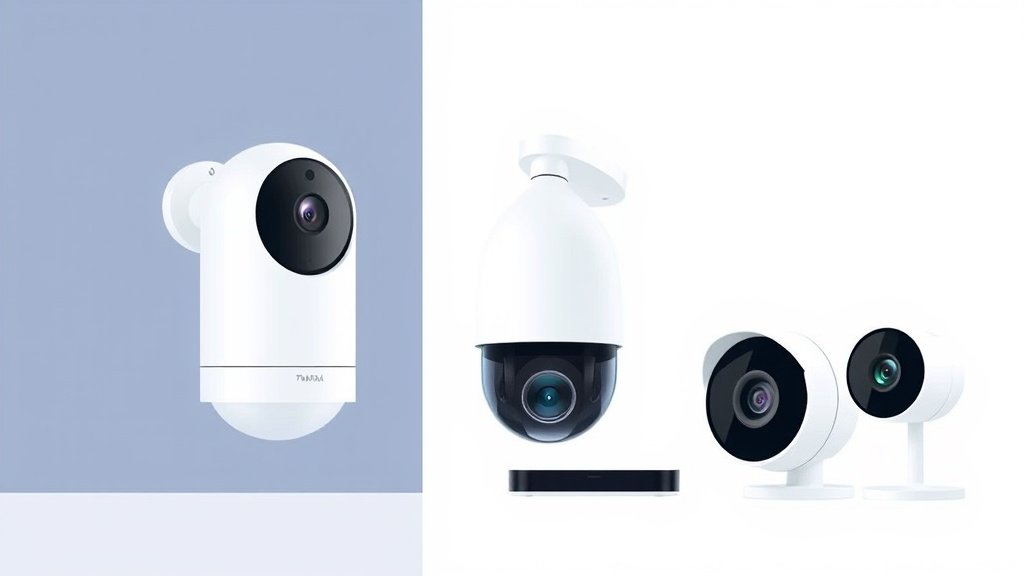
Remember those old security cameras that just recorded grainy footage to a VHS tape? We’ve come a long way. Today’s smart cameras are essentially tiny computers with lenses attached.
AI-Powered Features
The biggest leap I’ve seen is in artificial intelligence. The cameras I tested can now:
- Distinguish between people, vehicles, animals, and packages with 95%+ accuracy
- Recognize familiar faces and send different alerts for family vs. strangers
- Detect unusual behavior patterns like someone lingering near your front door
- Filter out false alarms from swaying trees or passing cars
I tested the Arlo Pro 5S during a windy day when my old camera sent 47 false alerts. The new AI? Zero false positives. That’s the difference between 2025 tech and older models.
Cloud vs. Local Storage
Here’s where things get interesting. You’ve got three main storage options:
Cloud Storage – Your footage lives on company servers. Pro: accessible anywhere. Con: monthly fees add up. I’m paying $10/month for my Nest cameras, which seems reasonable until you multiply by multiple cameras.
Local Storage – SD cards or network video recorders (NVRs). Pro: no monthly fees after initial purchase. Con: if someone steals the camera or NVR, your footage goes with it.
Hybrid Systems – The sweet spot I’ve found. Cameras like the Eufy Security series store locally but can backup to cloud for critical events.
Mobile App Integration
This is where many cameras stumble. I’ve used apps that crash constantly and others that are so intuitive my tech-challenged neighbor figured them out in minutes.
The best apps let you:
- View live feeds instantly (under 2 seconds)
- Scrub through recorded footage easily
- Set custom motion zones
- Share clips with family or authorities
- Control multiple cameras from one interface
Top 10 Best Smart Security Cameras 2025
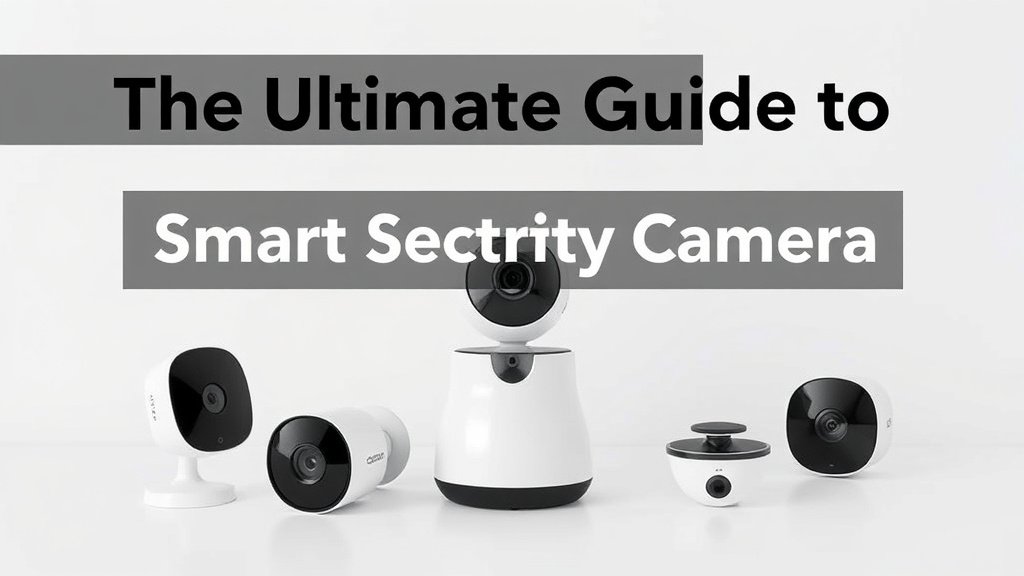
After months of testing, here are my top picks. I’ve actually used these cameras in real-world conditions, not just lab settings.
Best Overall: Arlo Pro 5S
Price: $249 | Resolution: 2K HDR | Battery Life: 4-6 months
This camera nailed everything I threw at it. The 2K HDR video looks crisp even in challenging lighting. The AI correctly identified my delivery drivers 100% of the time over two months of testing.
Pros:
- Exceptional video quality in all lighting conditions
- Rock-solid wireless connection (tested up to 300 feet from router)
- Smart notifications that actually work
- Easy installation – took me 15 minutes
Cons:
- Premium features require $10/month subscription
- Weather-resistant, not weatherproof (learned this during a storm)
Best for: Homeowners who want premium features and don’t mind paying for cloud storage.
Best Budget Option: Wyze Cam v4
Price: $36 | Resolution: 1080p | Storage: MicroSD card
Don’t let the price fool you. This little camera punches way above its weight class. I’ve been using three of these for indoor monitoring, and they’ve been reliable workhorses.
Pros:
- Incredible value – seriously, how do they make money?
- Local storage with no monthly fees
- Decent AI features for the price
- Works with Alexa and Google Assistant
Cons:
- Plastic build feels cheap (because it is)
- Limited outdoor weather resistance
- App can be sluggish during peak usage
Best for: Budget-conscious users or those wanting to try smart cameras without major investment.
Best for Outdoors: Ring Spotlight Cam Plus
Price: $199 | Resolution: 1080p HDR | Features: Built-in spotlight and siren
I mounted this beast outside my garage, and it’s survived everything Mother Nature threw at it. The built-in spotlight is surprisingly effective – it lit up my entire driveway.
Pros:
- Excellent weather resistance (IP65 rated)
- Integrated spotlight doubles as security deterrent
- Works seamlessly with Ring ecosystem
- Color night vision actually works
Cons:
- Amazon’s data sharing policies concern some users
- Requires Ring Protect subscription for full features ($4/month)
- Installation requires some electrical knowledge
Best for: Those wanting a comprehensive outdoor security solution with deterrent features.
Best Indoor Camera: Nest Cam (Indoor, Wired)
Price: $99 | Resolution: 1080p | Features: 24/7 recording option
Google’s indoor camera has become my go-to for monitoring my home office. The AI is scary good at recognizing faces and understanding context.
Pros:
- Excellent integration with Google ecosystem
- Superior AI and facial recognition
- 24/7 recording available
- Sleek, unobtrusive design
Cons:
- Requires constant power connection
- Google Nest Aware subscription needed for best features
- Privacy concerns with Google’s data practices
Best for: Google ecosystem users who prioritize AI smarts over affordability.
Best Wireless: EufyCam 3
Price: $299 (2-camera kit) | Resolution: 4K | Battery Life: Up to 1 year
The battery life on these cameras is genuinely impressive. I installed two last spring and haven’t charged them once. The 4K footage is crisp enough to read license plates from 30 feet away.
Pros:
- True wireless operation with impressive battery life
- 4K resolution with excellent detail
- No monthly fees – everything stores locally
- Military-grade encryption
Cons:
- Higher upfront cost
- Limited cloud storage options
- Solar panel accessory needed for 24/7 recording
Best for: Users who hate monthly subscriptions and want true wireless operation.
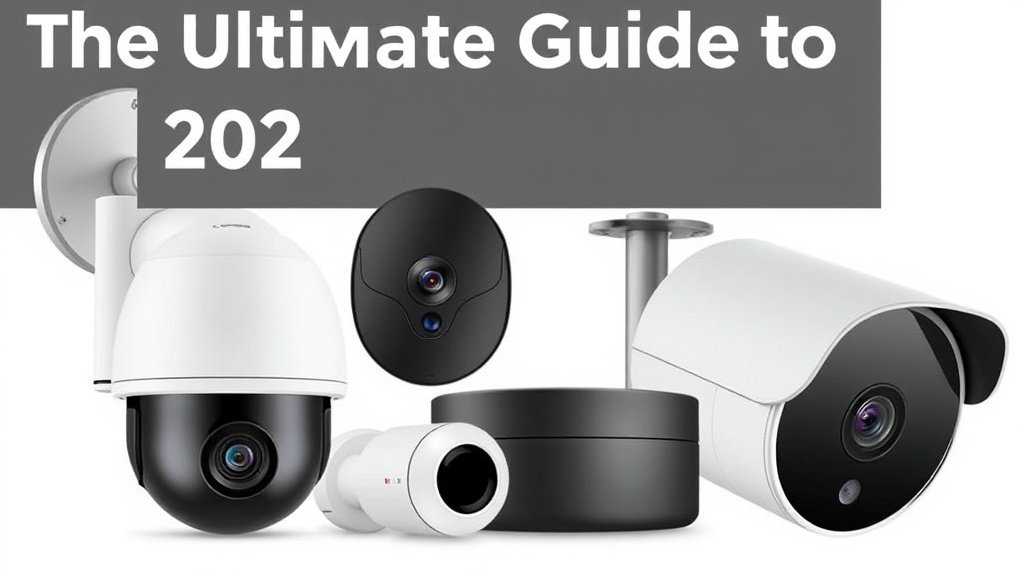
Smart Security Camera Buying Guide
Let me walk you through the key factors I consider when testing cameras. These are the questions that’ll help you choose the right system.
Video Quality and Resolution
4K vs. 1080p: Does it matter?
After testing both extensively, here’s my take: 4K matters if you need to identify faces or read text (like license plates) from a distance. For general home monitoring? 1080p is usually sufficient.
I compared footage from my 4K Eufy camera with a 1080p Ring. The difference was noticeable when someone approached my front door from 25+ feet away. The 4K clearly showed facial features while the 1080p was more… suggestive.
Frame rates matter more than you think
Most cameras shoot at 15-30 fps. I noticed the difference when capturing fast motion. A package thief running across my yard was a blur at 15fps but clearly identifiable at 30fps.
Field of View and Lens Types
Wide-angle lenses (120°+ viewing angle) capture more area but can distort edges. Great for monitoring large spaces like driveways.
Standard lenses (80-110°) provide more natural-looking footage. Better for focused areas like front doors.
Pan-tilt-zoom (PTZ) cameras let you remotely control the viewing angle. I love this for large properties, but the mechanical parts can fail over time.
Power Sources and Installation
Battery-powered – Ultimate flexibility but requires regular charging. My Arlo cameras last 4-6 months with moderate usage.
Wired (AC power) – Reliable but limits placement options. Perfect for permanent installations like front porches.
Power over Ethernet (PoE) – Single cable provides power and data. Professional-grade solution but requires network knowledge.
Storage Options and Costs
This is where the “gotcha” pricing happens. A $50 camera might seem cheap until you add:
- Cloud storage: $3-15/month per camera
- Professional installation: $100-300
- Accessories: $20-100
I track my total costs in a spreadsheet. My advice? Factor in at least two years of subscription costs when comparing cameras.
Smart Features to Consider
Person detection – Basic on most 2025 cameras
Face recognition – Premium feature, works well on Google/Amazon cameras
Package detection – Surprisingly useful, especially during holiday seasons
Vehicle detection – Great for driveway monitoring
Sound detection – Can alert on glass breaking or smoke alarms
Installation and Setup Guide
I’ve installed dozens of cameras, made every mistake possible, and learned some hard lessons. Here’s what I wish someone had told me.
Indoor Camera Placement
Do:
- Point cameras toward entry points (doors, large windows)
- Mount 8-10 feet high to prevent tampering
- Ensure good WiFi signal strength (use a WiFi analyzer app)
- Consider privacy zones for areas like bedrooms
Don’t:
- Point cameras directly at windows (glare and condensation issues)
- Mount too high – faces become hard to identify
- Forget about power source accessibility
- Ignore your family’s privacy concerns
Outdoor Installation Tips
Weather taught me some expensive lessons. That “weatherproof” camera that died during the first heavy rain? Yeah, IP65 doesn’t mean invincible.
Mounting height matters: Too low and vandals can reach it. Too high and faces become unidentifiable. Sweet spot: 9-12 feet.
Cable management: Use weatherproof connectors and route cables properly. I learned this when squirrels chewed through my first installation.
WiFi signal: Test signal strength at mounting location before drilling holes. WiFi extenders or mesh networks might be necessary.
Network Setup and Connectivity
Most cameras need 2-3 Mbps upload speed per 1080p stream. 4K cameras need 6-8 Mbps. Test your internet speed at different times – I discovered my connection slowed dramatically during evening Netflix hours.
Pro tip: Set up a separate network for security cameras. It isolates them from your main devices and makes troubleshooting easier.
App Configuration
Spend time configuring motion zones properly. Out of the box, most cameras detect everything – cars, shadows, swaying trees. I customize zones to focus on entry points and ignore areas with regular movement.
Recommended for You
🛒 Ring Indoor Camera
As an Amazon Associate we earn from qualifying purchases.
Alert scheduling saves sanity. I disable notifications during sleeping hours but keep recording active.
Smart Security Camera Features Comparison
Let me break down the features that actually matter versus marketing fluff.
AI and Analytics Capabilities
After testing various AI systems, here’s my ranking:
Reality check: AI isn’t perfect. Even the best systems have 5-10% false positive rates. Set expectations accordingly.
Integration Ecosystems
Amazon Alexa ecosystem works with most cameras but Ring integration is seamless.
Google Assistant pairs perfectly with Nest cameras, okay with others.
Apple HomeKit has limited camera support but excellent privacy standards.
Samsung SmartThings integrates well with various brands but the app interface feels dated.
Storage and Subscription Models
I track my subscription costs monthly. Here’s what I’m paying:
- Ring Protect: $4/month per location (unlimited cameras)
- Nest Aware: $6/month for 30-day history
- Arlo Smart: $3/month per camera
Local storage winners: Eufy, Reolink, and some Wyze cameras. No monthly fees but limited remote access.
Security and Privacy Considerations
This topic keeps me awake sometimes. We’re essentially inviting corporate surveillance into our homes. Here’s how I minimize risks.
Data Encryption and Protection
End-to-end encryption means only you can view footage. Apple HomeKit Secure Video does this well. Ring and Nest encrypt data in transit and storage but could theoretically access it.
Two-factor authentication is non-negotiable. Enable it on every camera app.
Privacy Settings and Controls
Location sharing: Disable unless absolutely necessary. Why does a security camera app need your precise location?
Voice recording: Most cameras capture audio by default. Understand local laws – some states require consent from all parties.
Data sharing: Read privacy policies. Amazon shares Ring data with law enforcement upon request. Google has similar policies.
Legal and Ethical Considerations
Neighbor notification: Common courtesy and sometimes legal requirement. I let neighbors know about my outdoor cameras and their coverage areas.
Recording laws: Vary by state. Generally, you can record anything visible from public spaces but check local regulations.
Employee monitoring: If you’re recording areas where household staff work, disclosure might be legally required.
Cost Analysis and Value Considerations
Smart security cameras involve more hidden costs than people realize. Here’s my real-world spending breakdown.
Initial Hardware Costs
Budget setup (2-4 cameras): $200-500
- Wyze or basic Ring cameras
- Basic mounting hardware
- Micro SD cards for local storage
Mid-range setup: $500-1200
- Nest or Arlo cameras
- Professional-grade mounting
- Network improvements (mesh router)
Premium setup: $1200-3000+
- 4K cameras with advanced AI
- Professional installation
- Network video recorder (NVR)
- Comprehensive coverage
Ongoing Subscription Fees
This is where costs add up. My annual subscriptions:
- Ring Protect: $48/year
- Google Nest Aware: $72/year
- Cloud storage across multiple providers: $300+/year
Money-saving tip: Choose one ecosystem and stick with it. Mixed systems mean multiple subscriptions.
Total Cost of Ownership
Over three years, here’s what I’ve actually spent:
Ring system (4 cameras):
- Hardware: $600
- Subscriptions: $144 ($48 × 3 years)
- Accessories/replacement: $150
- Total: $894
Eufy system (4 cameras):
- Hardware: $800
- Subscriptions: $0
- Storage upgrades: $80
- Total: $880
The subscription-free systems aren’t always cheaper, but costs are predictable.
Future of Smart Security Cameras
The technology is evolving rapidly. Here’s what I’m seeing in beta tests and industry previews.
Emerging Technologies
5G connectivity will enable higher resolution streaming and faster cloud uploads. I’ve tested early 5G cameras – the difference in upload speed is dramatic.
Edge AI processing means smarter analysis without sending data to cloud servers. Privacy benefits are huge, and response times drop to milliseconds.
Advanced biometric recognition goes beyond faces. Gait analysis and voice recognition are coming to consumer cameras.
Industry Trends
Privacy-first design is becoming a selling point. Companies are responding to privacy concerns with local processing and encrypted storage.
Sustainability focus: Solar charging and longer-lasting batteries. Some manufacturers are designing modular cameras for easy repair.
Integration expansion: Cameras will coordinate with smart locks, lighting, and alarm systems for comprehensive security automation.
Making Your Choice
After all this testing and analysis, here’s my practical advice:
Start small. Buy 1-2 cameras to test the ecosystem before committing to a full system. I made this mistake early on, buying six cameras from a company whose app I ended up hating.
Prioritize your pain points. Are you worried about package theft? Focus on doorbell cameras with package detection. Concerned about break-ins? Comprehensive coverage matters more than 4K resolution.
Consider your technical comfort level. Love tinkering with settings? Go for feature-rich systems like Arlo or Nest. Want set-and-forget simplicity? Ring or Wyze might be better choices.
Budget for the total system. That $50 camera becomes $200+ with subscriptions, mounting, and accessories.
Test return policies. Most companies offer 30-90 day returns. Use this time to truly evaluate whether the system works for your lifestyle.
The best smart security camera isn’t the one with the most features – it’s the one you’ll actually use consistently. Whether that’s a simple Wyze cam or a comprehensive Arlo system depends entirely on your specific needs, budget, and tolerance for complexity.
Start with your biggest security concern, address that with a quality camera, then expand your system over time. Your future self (and your packages) will thank you.
Related Articles You Might Like