- Hardware Integration and Protocol Support: The Backbone of Your Smart Home
- Alexa’s Built-in Hub Advantage
- Google’s Reliance on the Cloud
- Voice Assistant Intelligence and Daily Use
- Google Assistant: The Knowledge Engine
- Alexa: The Automation Powerhouse
- Setup and Ecosystem Lock-in: A Practical Walkthrough
- Step 1: Connecting a Smart Bulb
- Step 2: Expanding the System
- Frequently Asked Questions
- Which platform has better support for Apple HomeKit?
- Do I need a Wi-Fi 6 router for these devices?
- How often do they receive firmware updates?
This article contains affiliate links. We may earn a commission at no extra cost to you. Full disclosure.
Choosing between Amazon Alexa and Google Home is more than picking a voice assistant; it’s deciding on the foundational ecosystem for your entire smart home. As a seasoned smart home integrator, I’ve configured countless systems, and the choice often boils down to your specific hardware preferences, existing tech loyalty, and desired level of automation complexity. This isn’t about which is universally “better,” but which is better for you. Let’s cut through the marketing and compare these platforms on the technical merits that matter for a robust, future-proof setup.
Hardware Integration and Protocol Support: The Backbone of Your Smart Home
The most critical distinction lies in how these platforms connect to your devices. While both support thousands of Wi-Fi-based gadgets, their approach to low-power, robust communication protocols like Zigbee and Z-Wave differs significantly.
Alexa’s Built-in Hub Advantage
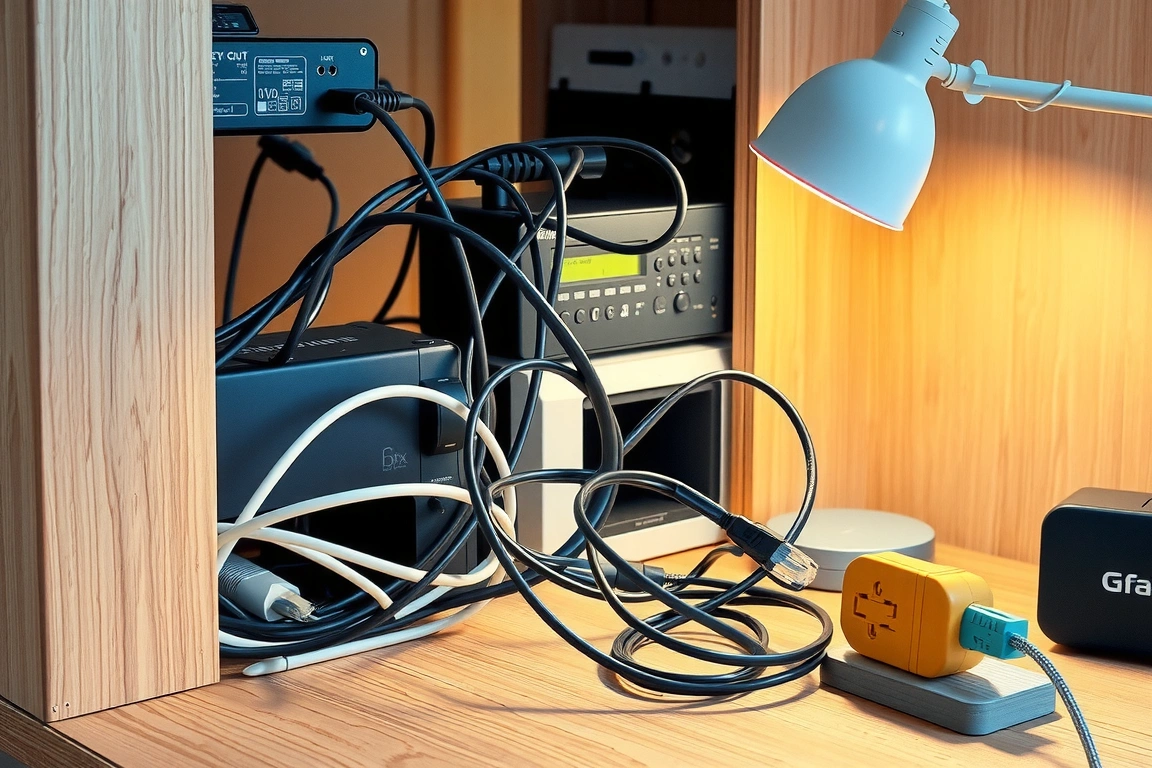
Amazon has a clear edge in native hardware integration. Higher-end Echo devices, like the 4th-gen Echo (with Zigbee) and the professional-grade Echo Hub, have a built-in Zigbee smart home hub. This means you can directly pair compatible devices like Zigbee sensors and bulbs without needing a separate hub from brands like Aqara or Philips Hue. This creates a more reliable, local mesh network that often works even during an internet outage. For those building from scratch, this eliminates the cost and complexity of an additional box.
Google’s Reliance on the Cloud
Google’s Nest speakers and displays, including the Nest Audio and Nest Hub Max, lack a built-in Zigbee or Z-Wave radio. They primarily communicate with devices via Wi-Fi or by acting as a bridge to a separate hub, like a SmartThings hub or a proprietary one from a brand like Nest. While this keeps the hardware simpler, it adds a potential point of failure. However, Google is a founding member of the Matter standard and supports the Thread border router functionality on its latest Nest Hub (2nd gen) and Nest Hub Max, positioning it well for the new era of seamless interoperability.
⭐ Google Nest
Smart home ecosystem — thermostats, cameras, displays.
Affiliate link
Voice Assistant Intelligence and Daily Use
Beyond hardware, the “brain” of the system dictates your daily interaction. For a deeper dive into their capabilities, you can read our extended voice assistants face-off.
Google Assistant: The Knowledge Engine
Google Assistant excels at answering complex, conversational questions and pulling information from the vast Google Knowledge Graph. Asking “what’s the weather like this weekend for a hike near me?” will yield a detailed, actionable result. Its natural language processing is often more fluid for general queries. If you live within the Google ecosystem (Gmail, Calendar, Android), the integration is seamless.
Alexa: The Automation Powerhouse
Alexa shines in pure smart home control. With a more extensive library of “Skills” and more nuanced routine-building capabilities, you can create incredibly specific automations. The voice is highly reliable for direct commands like “turn off the kitchen lights” or “set the living room thermostat to 72 degrees.” For users who prioritize commanding their home over asking it questions, Alexa is often the more responsive choice. If privacy is a top concern, we’ve compared how they stack up in our article on the best voice assistant for privacy.
Setup and Ecosystem Lock-in: A Practical Walkthrough
Let’s walk through a concrete setup to illustrate the differences.
Connecting a Smart Bulb
With an Echo with Zigbee: You’d say, “Alexa, discover my devices.” The Echo’s built-in hub scans for new Zigbee devices. You then power on the bulb, and it should appear in the Alexa app for pairing within seconds—no brand-specific app needed.
With a Google Nest Hub: You must first install the bulb’s manufacturer app (e.g., Philips Hue or TP-Link Kasa Kasa), create an account, and connect the bulb to your Wi-Fi. Then, you link that service to the Google Home app via the “Works with Google” menu. This process involves more steps and more apps. For a curated list of compatible devices, see our guide to the best Google Assistant compatible devices.
Expanding the System
As you add more devices, Alexa’s hub-centric approach can simplify management. Adding a Zigbee motion sensor to trigger the Zigbee bulb you just set up can often be done entirely within the Alexa ecosystem, creating a fast, local automation. With Google, each device typically relies on its own hub or cloud connection, which can introduce minor latency. Both platforms now support Matter, which promises to simplify this process dramatically over time, making the underlying ecosystem less critical.
Frequently Asked Questions
Which platform has better support for Apple HomeKit?
While neither integrates natively with HomeKit, there are workarounds. Alexa has a slightly more developed Skill for limited HomeKit integration, but for a true Apple-centric home, a HomePod mini is the recommended choice as a home hub.
Do I need a Wi-Fi 6 router for these devices?
It’s not a requirement, but a Wi-Fi 6 router is highly recommended for a crowded smart home. It provides better handling of dozens of connected devices, reducing latency and improving the reliability of your Wi-Fi-dependent gadgets on both platforms.
How often do they receive firmware updates?
Both Amazon and Google are proactive with firmware updates, often adding new features and security patches automatically. Google sometimes leads in rolling out support for new standards like Matter, but Amazon quickly follows suit. You can generally expect both ecosystems to be well-maintained.
🔌 Editor’s Pick
Editor’s Pick: A smart home hub to seamlessly control your thermostat, lights, plug, and doorbell.
Related: Alexa: Complete Smart Home Setup Guide: Build Your Connected Home from Scratch
Make Your Home Smarter
Device reviews, automations, and the deals worth grabbing.
Related Articles You Might Like