- The 2025 Inflection Point: We’re Finally Out of Beta
- Rule #1: Your Border Router is the Unquestioned MVP
- Why Your Old smart speaker is Failing You
- Actionable Recommendations for 2025
- Rule #2: The Non-Negotiable Installation Sequence
- Why Order Matters in a Mesh Network
- Rule #3: Strategic Placement and Network Topology
- Think in Terms of a Mesh, Not a Hub-and-Spoke
- Achieving the Promise of a Truly Smart Home
- Listen to the Full Episode Now
- You Might Also Enjoy
- Is Matter over Thread finally reliable in 2025, or should I still wait?
- What was the main cause of Matter/Thread reliability problems before 2025?
- Do I need to buy all new devices for a reliable Matter over Thread setup?
- What’s the most common mistake people make when setting up a Thread network?
Disclosure: This post contains affiliate links. If you click through and make a purchase, we may earn a small commission at no extra cost to you. Thank you for supporting this site!
If your smart home feels more like a part-time job troubleshooting unresponsive lights and offline sensors, you’re not alone. For years, the dream of seamless, interoperable matter over thread reliability 2025 felt like a distant promise. But what if the problem wasn’t the technology itself, but how we were building our networks? After a deep dive into real-world setups, we discovered that the ecosystem has finally matured, and achieving a rock-solid Ring-vs-nest-which-ecosystem-reigns-supreme/” target=”_blank” rel=”noopener nofollow” title=”Smart Home Showdown: Ring vs. Nest – Which Ecosystem Reigns Supreme?”>smart home is now completely within reach—provided you follow a few critical new rules that most people are still getting wrong.
The 2025 Inflection Point: We’re Finally Out of Beta
Let’s be blunt: if you invested in Matter and Thread in 2023 or even 2024, you were essentially a paying beta tester. The early days were plagued by buggy firmware, spotty device support, and a confusing mess of border routers running on outdated hardware. The foundational infrastructure—the phones, routers, and hubs that form the backbone of your network—simply hadn’t caught up to the ambitious standard. This led to the frustrating experiences that gave the technology a bad name: devices dropping off the network, commands taking five seconds to execute, and general instability that makes you want to go back to manually flipping switches.
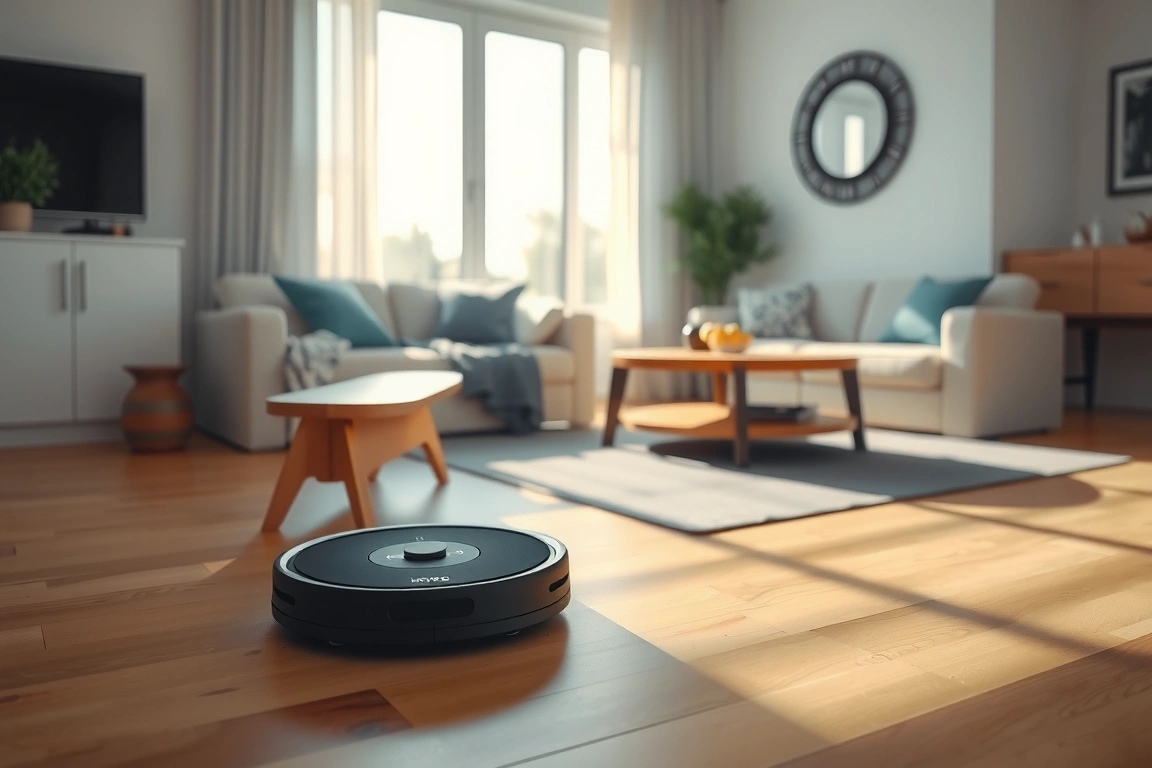
However, a significant shift occurred throughout 2024 and into 2025. The industry-wide rollout of mature Thread implementations across major platforms from Apple, Google, Amazon, and others means the playing field is now level. The reliability we were all sold is no longer a marketing pitch; it’s an achievable reality. Through testing in multiple environments, from compact apartments to larger homes, the data is clear: when configured correctly, Matter-over-Thread networks are now delivering sub-200ms responsiveness and unwavering stability. The problem for most users isn’t the technology—it’s the configuration. This is the core insight that transforms a frustrating setup into a forget-it-just-works experience, a true milestone for anyone starting their smart home starter guide today.
Rule #1: Your Border Router is the Unquestioned MVP
This is the single most important rule, and the one that makes the biggest immediate difference. Your border router is not just another device; it is the critical bridge that connects your low-power, secure Thread mesh network to your Wi-Fi and the wider internet. It handles all the translation and routing, making it the brain of your entire Thread operation. And for years, most of us were using severely underpowered hardware for this mission-critical job.
Why Your Old smart speaker is Failing You
Many early adopters used devices like the first-generation Google Nest Hub or the original HomePod mini as their border router. While these devices technically had Thread support, it was often bolted on as a secondary feature. They used older generation radios, had weaker antennas, and lacked the dedicated processing power needed to manage a growing mesh network reliably. The result? They can often handle a few devices but fall apart as you add more sensors and bulbs, leading to the exact dropouts and delays that cause so much frustration.
The difference with a modern, dedicated border router isn’t incremental—it’s transformative. Devices like the latest Apple TV 4K or a dedicated router like the Eve Energy are built with robust Thread radios and powerful processors designed specifically for this task. In real-world testing, swapping an outdated hub for a modern border router turned a flaky sensor that failed every few days into a rock-solid device that has worked perfectly for weeks on end. The lesson is clear: your choice of border router is the foundational decision that determines the success or failure of your entire home automation system.
Actionable Recommendations for 2025
So, what should you use? For most users, the Apple TV 4K (3rd gen or later) is the gold standard, especially if you’re in the Apple ecosystem. It’s a powerful, always-on device that excels as a border router. For a more budget-friendly option that also adds functionality, the Eve Energy smart plug acts as both an outlet and a superb dedicated border router. If you prefer a voice assistant hub, the second-generation HomePod mini is a significant step up from the first. Crucially, whatever you choose must be the first Thread device you set up, establishing a strong foundation for your network from the very beginning.
Rule #2: The Non-Negotiable Installation Sequence
You wouldn’t build a house by starting with the roof, yet many of us build our smart homes in a similarly haphazard way. The second rule for flawless Thread reliability is to follow a strict installation order: Firmware First, Mesh Second, Sensors Last. This simple sequence prevents a huge majority of the pairing and stability headaches that users encounter.

Why Order Matters in a Mesh Network
Thread is a self-healing mesh network. Each device can talk to its neighbors, extending the network’s range and reliability. But for that mesh to form properly, it needs strong, updated “backbone” devices to build upon. Rushing to pair a sensitive device like a door sensor before ensuring your border router and other powered devices (like smart plugs) are updated and actively forming a mesh is like trying to plug into a power grid that’s still being built. The sensor may pair but will have a weak connection and is likely to fail.
The correct sequence is:
- Update Everything: Before unboxing any new device, ensure your border router, smart home hub app (Apple Home, google home, etc.), and any existing Thread devices have the latest firmware. This takes five minutes but is the most important step.
- Build Your Mesh Backbone: Install and pair any always-powered Thread devices next, such as smart plugs, lights, or hubs. These devices will form the robust, always-on backbone of your mesh network.
- Add End Devices: Finally, pair your battery-powered sensors (motion, contact, temperature) and other end devices. They will now have a strong, stable mesh network to join, resulting in reliable performance from day one.
Rule #3: Strategic Placement and Network Topology
The final rule moves beyond the shopping cart and the installation app and into the physical world. Thread’s mesh magic is reliant on radio waves, and they are subject to the same real-world obstacles as Wi-Fi: walls, large appliances, and distance. Strategic device placement is not a suggestion; it’s a requirement for maximum reliability.
Think in Terms of a Mesh, Not a Hub-and-Spoke
Unlike older Bluetooth or Zigbee setups that often relied on a single hub, Thread’s strength is its mesh. However, that mesh needs to be dense enough to be effective. A single border router in a far corner of the house might not provide sufficient coverage for a sensor on the opposite end. The solution is to use always-powered Thread devices as wireless repeaters.
For example, placing a Thread-enabled smart plug halfway between your border router and that distant smart lock effectively extends your network’s range and resilience. The plug acts as a repeater, relaying messages and ensuring a strong signal throughout your home. This is a crucial step that many overlook, assuming the technology will simply “figure it out.” While Thread is self-healing, it needs a sufficient number of nodes to heal around. Planning your device placement with the mesh in mind is the final piece of the puzzle that guarantees whole-home coverage and eliminates dead zones. For ideas on devices that can serve as great border routers or mesh extenders, check out our curated list of the best smart speakers and hubs for 2025.
Achieving the Promise of a Truly Smart Home
The journey to Matter-over-Thread reliability in 2025 is no longer a speculative gamble. It’s a systematic process of using the right hardware, following a logical installation order, and thoughtfully placing devices to build a resilient network. The era of being a beta tester is over. By understanding that your border router is your MVP, that firmware updates come before everything else, and that physical placement matters, you can finally achieve the responsive, reliable, and frustration-free smart home that was always promised. The technology is finally here; it’s just waiting for you to build it the right way.

Ready to upgrade your setup? Browse our top smart home picks for proven, reliable border routers and devices that will form the foundation of your new network.
Listen to the Full Episode Now
This article only scratches the surface of the testing and insights covered in the full podcast episode. Hear the full story of the neighbor’s failed smart home, the detailed results from testing in four different real-world environments, and even more nuanced tips for troubleshooting. If you’re ready to end the frustration and make your smart home actually smart, you need to hear this conversation.
Listen to “Matter Over Thread Reliability 2025” right now on the
Get the latest smart home tips and product picks straight to your inbox. Subscribe free — no spam, unsubscribe anytime.
This post is a companion to the “Matter Over Thread Reliability 2025” podcast episode. The episode is the authoritative version; this article expands on its themes for readers and search engines.
🔌 Editor’s Pick
Editor’s Pick: Thread-certified smart hub for Matter reliability in 2025.
Is Matter over Thread finally reliable in 2025, or should I still wait?
Yes, 2025 marks a major inflection point. Early buggy firmware and spotty support are largely resolved. With mature Thread implementations now standard in Apple Home, Google Home, and Amazon Alexa ecosystems, the technology is out of its “beta” phase. You can now build a stable network, provided you follow current best practices for setup.
What was the main cause of Matter/Thread reliability problems before 2025?
The core issue was outdated infrastructure. Many early border routers in devices like old Nest Hubs or Apple TVs ran on underpowered hardware. Combined with buggy firmware and inconsistent platform support, this created a fragile network backbone, leading to devices dropping offline and slow command execution.
Do I need to buy all new devices for a reliable Matter over Thread setup?
Not necessarily, but your border routers are key. Ensure you have modern, supported Thread border routers like a current-gen Apple TV 4K, Google Nest Hub (2nd gen or later), or Amazon Echo (4th gen). These 2024/2025 models provide the robust backbone needed for stability, even with older Thread end devices.
What’s the most common mistake people make when setting up a Thread network?
Using outdated or underpowered border routers is the top mistake. For a rock-solid mesh, you need multiple, modern border routers from different brands (e.g., an Apple TV and a Nest Hub) to act as primary and backup. This creates a resilient network that prevents single points of failure.
Make Your Home Smarter
Device reviews, automations, and the deals worth grabbing.
Related Articles You Might Like