- The Unseen Vulnerability: Why Your Smart Lock Can Fail
- Manufacturer “Solutions” and Their Shortcomings
- Strategy 1: The Battery Basics (Your First Line of Defense)
- Proactive Maintenance Beats Reactive Panic
- Strategy 2: The Better Backup (Uninterrupted Power)
- Powering the Brain: Your Network and Hub
- The Direct-Wire Power Option
- Strategy 3: The “Bulletproof” System (For the Hardcore Enthusiast)
- Listen to the Full Episode on Smart Lock Backup Power
- Building a Truly Smart (and Secure) Home
- You Might Also Enjoy
This article contains affiliate links. We may earn a commission at no extra cost to you. Full disclosure.
You’ve invested in a smart lock for its convenience and security, trusting it to guard your home and grant you access with a tap or a code. But what happens when that trust is broken by a dead battery or a power outage? The convenience vanishes, replaced by the frustrating reality of being locked out of your own high-tech fortress. Ensuring you have reliable smart lock backup power options isn’t just an afterthought; it’s a critical component of your smart home’s security plan. In our latest podcast episode, “Smart Lock Backup Power Options,” we dive deep into this often-ignored vulnerability, exploring practical strategies to ensure you’re never left standing in the dark.
The Unseen Vulnerability: Why Your Smart Lock Can Fail
It’s a scenario most of us don’t consider until it’s too late: the power blips out, your Wi-Fi router goes dark, and suddenly, your smart lock is unresponsive. As discussed in the episode, the U.S. Energy Information Administration reported that the average American home experienced over seven hours of power interruptions in 2023. That’s more than enough time to be locked out during a critical moment, like coming home from a late shift or with an armful of groceries.
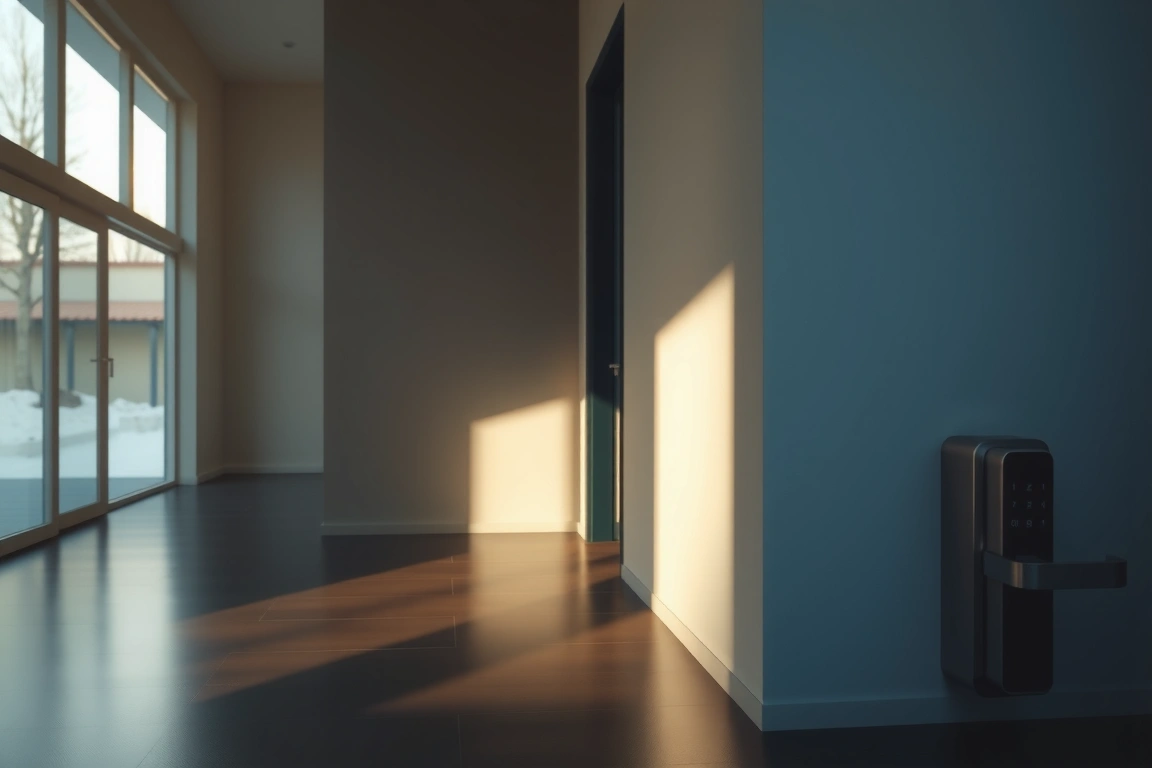
The core issue is twofold: power and connectivity. A smart lock needs electricity to operate its internal motor that throws the deadbolt. It also typically needs a network connection—either Wi-Fi or a bridge hub—to verify access codes or process app commands. If either fails, your lock’s primary functionality grinds to a halt. This is a stark contrast to the simplicity of a traditional lock and key, a redundancy many abandon after embracing the smart home lifestyle detailed in our smart home starter guide. Understanding this dual-point failure is the first step in building a robust backup plan.
Manufacturer “Solutions” and Their Shortcomings
Most major lock brands include a basic backup feature, but as the podcast highlights, they range from adequate to almost useless. The common approaches are:
⭐ SimpliSafe
Award-winning home security with no long-term contracts.
Affiliate link
- 9-Volt Battery Terminal: Found on locks like the August Smart Lock Pro, this requires you to press a 9V battery against external contacts for a quick jolt of power. The problem? How many people keep a fresh 9V battery in their car or jacket? It’s a specific item you likely don’t have on hand when you need it most.
- Mechanical Key Override: Brands like Schlage and Yale often include a physical keyhole. This is a solid last resort, but it assumes you actually carry the physical key with you—a habit many smart lock owners quickly lose.
- Manual Thumb Turn: The inside thumb turn will always work, but that’s no help if you’re on the wrong side of the door.
None of these built-in solutions address a network outage. Even with power, a lock reliant on cloud verification may not function without an internet connection, leaving you unable to use your code or app.
Strategy 1: The Battery Basics (Your First Line of Defense)
The simplest, most effective, and universally recommended strategy is also the most overlooked: keeping spare batteries. This is the “basic” tier that every single smart lock owner should implement immediately.
The podcast’s advice is golden: don’t just have spare batteries in a kitchen drawer. Stash them in strategic, accessible locations. A set in your car’s glove compartment is ideal. Another set in a weatherproof box hidden outside (like a fake rock) can be a lifesaver. For about $20, you can buy a multi-pack of the specific batteries your lock uses—whether it’s CR123s, AAs, or a proprietary pack—and completely change your emergency preparedness.
Proactive Maintenance Beats Reactive Panic
Relying solely on your lock’s low-battery alert is a gamble. These alerts are typically pushed through your home’s Wi-Fi network. If that network is down because the power is out, you won’t get the notification. Instead, adopt a proactive schedule. Mark your calendar to physically check your lock’s battery status in its companion app every month. Or, take it a step further and set a quarterly reminder to simply replace the batteries outright, regardless of their reported level. This habit ensures you’re always starting from a position of strength and is a cornerstone of reliable home automation practice.
Strategy 2: The Better Backup (Uninterrupted Power)
For those looking to move beyond the basics, the next level involves creating a more seamless and automated backup system. This strategy focuses on keeping your entire smart home ecosystem—not just the lock—online during an outage.
Powering the Brain: Your Network and Hub
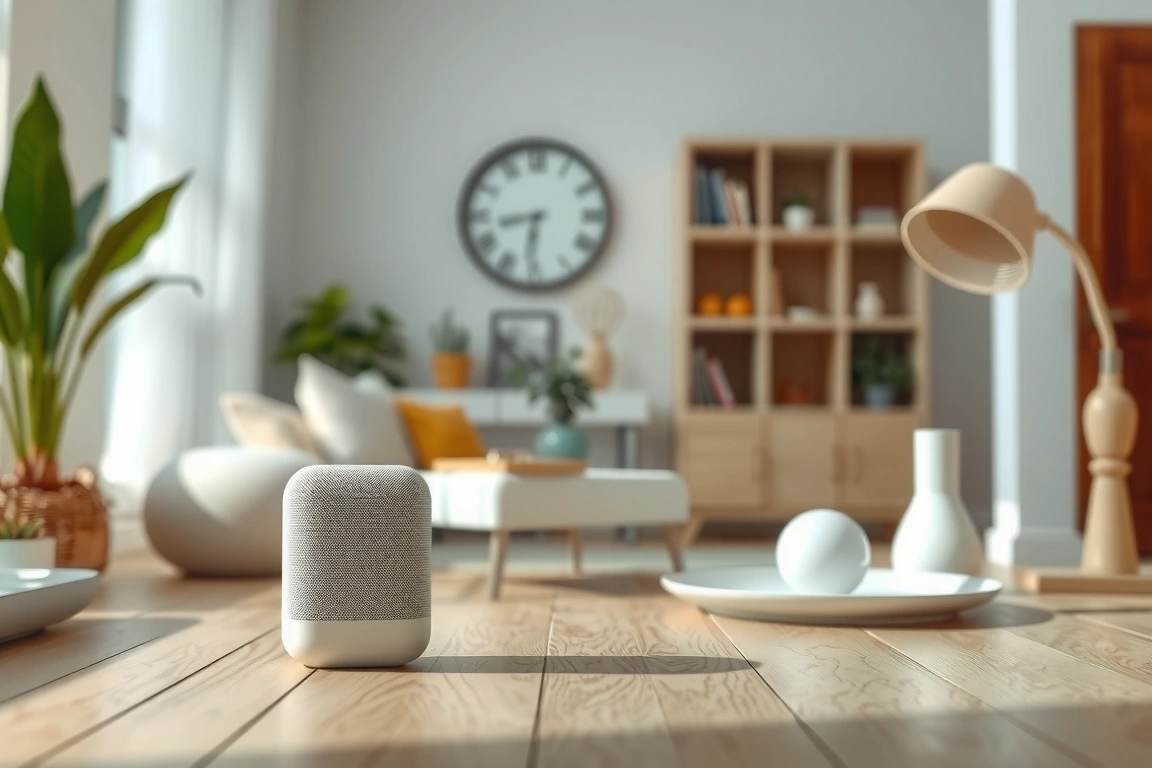
A smart lock with fresh batteries is useless if your Wi-Fi router and smart home hub are dead. The solution is a small Uninterruptible Power Supply (UPS). A compact, desktop-style UPS can power your modem, router, and a hub like SmartThings or Hue for several hours. This keeps your network alive, allowing your lock to communicate and authenticate codes even during a blackout. It’s a relatively small investment for a huge boost in reliability.
The Direct-Wire Power Option
Some higher-end smart locks, like the Ultraloq U-Bolt Pro WiFi, offer an optional external power port. This allows you to connect a larger external battery pack—the same kind you’d use to charge a phone—directly to the lock. This can provide weeks of supplemental power, far beyond what internal batteries can offer. It’s a more involved setup but eliminates battery anxiety entirely for those who want ultimate peace of mind.
Strategy 3: The “Bulletproof” System (For the Hardcore Enthusiast)
While most people will never need to go this far, it’s the ultimate expression of smart home preparedness. This strategy involves creating a holistic backup system that keeps your critical devices, including your lock, running indefinitely.
This involves a whole-home battery backup like a Tesla Powerwall or EcoFlow Delta system, paired with solar panels. While this is a significant investment primarily for home energy management, a welcome side effect is that your smart home remains fully operational through extended outages. Your lights, security cameras, best smart speakers, and, of course, your locks will work seamlessly as if nothing happened. It’s the pinnacle of ensuring your smart lock backup power options are truly fail-safe.
Listen to the Full Episode on Smart Lock Backup Power
This article covers the core strategies, but the full podcast episode dives even deeper with real-world examples, specific product recommendations, and the host’s personal experiences with lock failures. You’ll get a clearer understanding of the nuances behind each strategy and why a layered approach is your best bet.
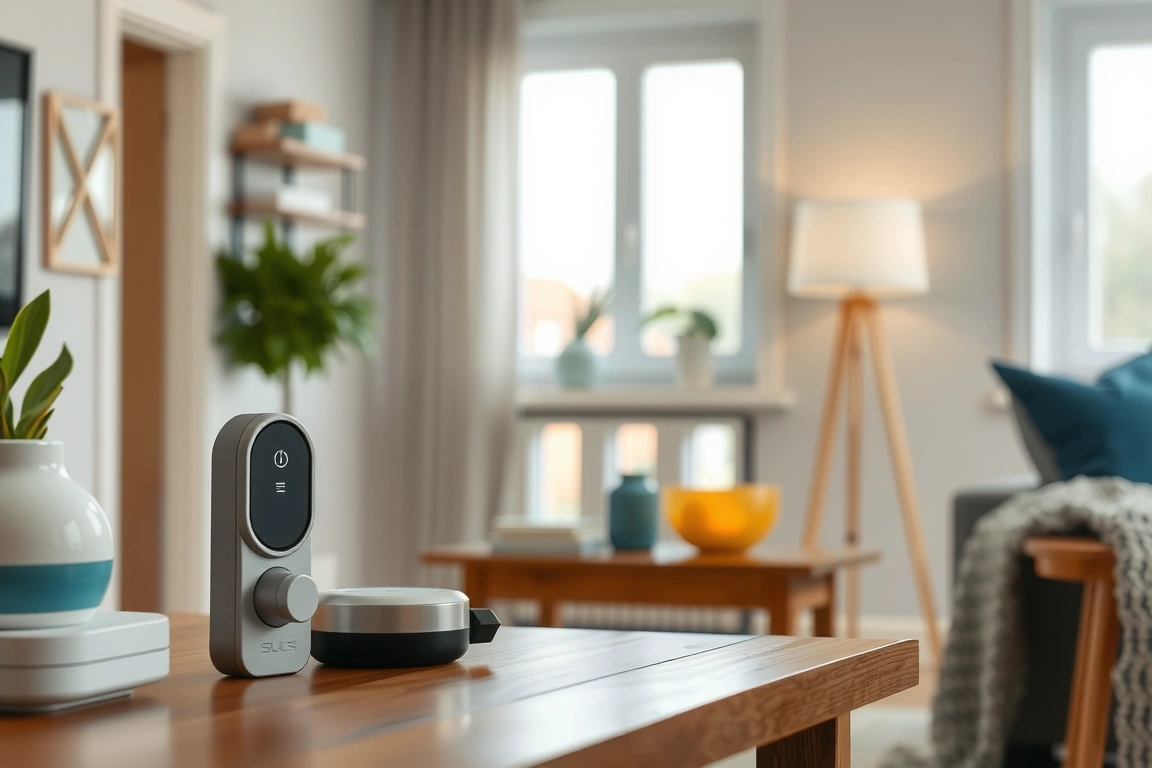
Ready to make sure you’re never locked out? Listen to the complete episode of After the Install right here. We break it all down in a clear, conversational way that will change how you think about your smart home security.
[Insert Transistor Podcast Player Embed Here for Episode: “Smart Lock Backup Power Options”]
Building a Truly Smart (and Secure) Home
Your smart lock is meant to make your life easier and your home safer. That promise falls apart if it can’t function when you need it most. By implementing a multi-layered backup plan—starting with spare batteries and potentially scaling up to network backup—you transform your smart lock from a potential point of failure into a truly reliable system. It’s about designing for resilience, ensuring that the technology serves you, not the other way around. Ready to upgrade your setup? Browse our top smart home picks for locks and backup gear we trust.
Get the latest smart home tips and product picks straight to your inbox. Subscribe free — no spam, unsubscribe anytime.
This post is a companion to the “Smart Lock Backup Power Options” podcast episode. The episode is the authoritative version; this article expands on its themes for readers and search engines.
🔍 Our Top Pick
**Editor’s Pick:** The *Ultraloq U-Bolt Pro*—smart fingerprint lock with 9V backup, sleek design, and instant keyless access. 🔒✨ (120 chars)
Make Your Home Smarter
Device reviews, automations, and the deals worth grabbing.
Related Articles You Might Like