You’ll want to start with smart locks offering temporary access codes and activity logs, paired with door/window sensors for instant breach alerts. Add motion-activated lighting in hallways to prevent nighttime falls, and deploy geofencing technology to track when kids enter or exit designated zones. Smart thermostats with air quality sensors automatically detect VOCs and particulate matter that affect respiratory health. Voice assistants with parental controls let children operate approved routines safely, while integrated screen time management enforces device limits across your network. The sections below detail specific implementation strategies and age-appropriate configurations.
Key Takeaways
- Smart cameras, doorbells, and sensors provide comprehensive monitoring at entry points with instant breach notifications and AI-powered detection.
- Smart locks enable temporary access codes for guests, remote control via smartphone, and detailed activity logs with instant unauthorized access alerts.
- Automated motion-activated lighting prevents nighttime hazards in hallways and pathways with customizable sensitivity levels and duration settings.
- Voice-activated systems with parental controls allow age-appropriate commands while activity dashboards log interactions and enforce time restrictions.
- Screen time management tools enable scheduling, conditional access based on chores, and usage analytics to promote responsible technology habits.
Essential Smart Security Devices Every Family Should Consider
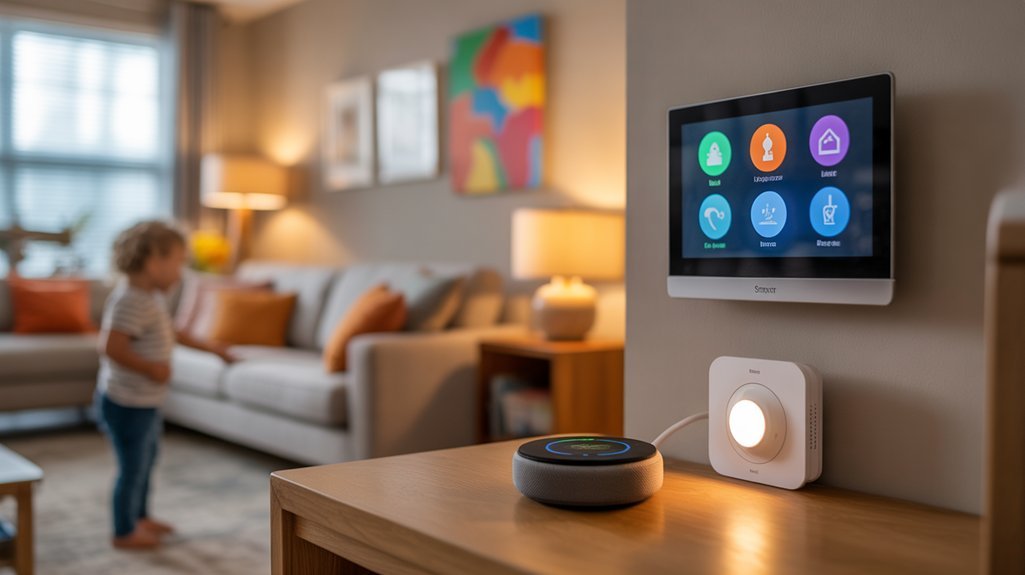
When protecting your family and property, smart security devices provide layered defense mechanisms that traditional systems can’t match.
You’ll need smart cameras strategically positioned at entry points, covering blind spots while respecting privacy boundaries inside your home. Choose models with AI-powered person detection to eliminate false alerts from pets or shadows.
Smart doorbells with two-way audio let you screen visitors before your kids answer the door.
Integrate window and door sensors that trigger instant notifications when breaches occur. Motion-activated floodlights deter intruders while illuminating pathways for family members arriving after dark.
For thorough family monitoring, deploy indoor cameras in common areas—never bedrooms—to check on children remotely.
Smart locks enable you to grant temporary access codes for service providers and track who enters when.
Configure geofencing triggers that automatically arm your system when everyone leaves, ensuring zero gaps in protection.
Modern security systems with smart alerts can distinguish between people, packages, and vehicles, reducing false notifications that might desensitize your family to real threats.
You’re building a security ecosystem that adapts to your family’s patterns.
Automated Lighting Solutions for Safer Nighttime Navigation
Motion-activated pathway lighting eliminates the hazards your family faces during midnight bathroom trips and late-night arrivals. You’ll prevent stumbles down staircases and collisions with furniture by deploying nighttime sensors that trigger illumination precisely when needed.
Install motion detection units along hallways, stairwells, and entry points where your family travels after dark. These systems activate instantly when movement occurs, providing adequate visibility without disturbing sleeping household members through excessive brightness.
You can adjust sensitivity levels to prevent false triggers from pets while ensuring reliable activation for children and adults. Smart lighting platforms let you customize activation schedules, brightness intensity, and duration settings through centralized control interfaces.
Program lights to remain illuminated for 30-90 seconds after detecting motion, giving everyone sufficient time to reach their destination safely. This automated approach eliminates fumbling for switches in darkness while reducing energy consumption compared to leaving lights burning throughout the night.
You’ve created a responsive environment that adapts to your family’s needs without requiring manual intervention. Consider integrating these motion-activated systems with security lighting features that can deter potential intruders while enhancing your family’s overall safety strategy.
Smart Locks and Access Control for Peace of Mind
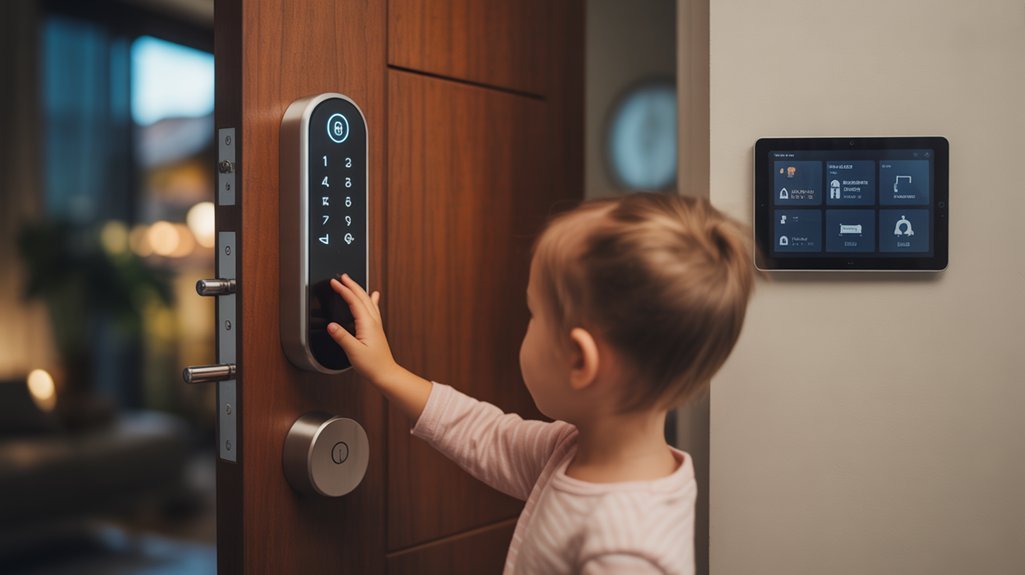
Smart locks eliminate the security risks of physical keys while giving you complete control over who enters your home and when.
You’ll gain the ability to generate temporary access codes for guests and service providers, lock or open doors remotely through your smartphone, and receive instant notifications whenever someone enters or exits.
These activity logs create a detailed record of all access events, allowing you to monitor your family’s comings and goings and identify any unauthorized entry attempts immediately.
Temporary Codes for Guests
Having houseguests, service providers, or contractors enter your home shouldn’t require handing over physical keys that you’ll worry about getting back.
Smart locks enable precise temporary access control, allowing you to grant entry on your terms and schedule.
Configure time-limited codes that automatically expire, maintaining complete authority over your property:
- Service windows: Set codes active only during scheduled appointments, ensuring contractors access your home exclusively within designated timeframes
- Guest management: Generate unique codes for visitors with custom duration parameters, from hours to weeks
- Activity monitoring: Receive instant notifications when codes are used, providing real-time visibility of all entry events
You’ll eliminate key-cutting costs, track who enters when, and revoke access instantly if circumstances change.
This granular control alters home security from reactive to proactive.
Remote Lock/Unlock Features
Beyond scheduling access for others, you’ll frequently need control over your locks when you’re nowhere near home.
Remote access enables you to secure your property the moment your kids text that they’ve arrived safely, or release for a trusted neighbor during emergencies. You’ll eliminate the anxiety of wondering whether doors were secured after the morning rush.
Modern smart locks deliver security convenience through encrypted connections, preventing unauthorized access while maintaining reliable operation.
Configure instant notifications to monitor every entry and exit. You’re authorized to grant immediate access to contractors, verify your children’s arrival times, and respond to unexpected situations without physical key exchanges.
This capability alters your smartphone into a master control center, providing oversight regardless of your location.
Activity Alerts and Logs
While remote control provides immediate oversight, thorough activity logs convert your smart lock into a detailed security chronicle that tracks every access event with timestamps and user identification.
You’ll maintain complete command over who enters your home and when, leveraging activity tracking to identify patterns and potential security concerns.
Configure alert notifications to receive instant updates when:
- Your children arrive home from school, confirming their safe arrival without requiring check-in calls
- Unknown codes are attempted or invalid access occurs, triggering immediate security response protocols
- Doors remain open beyond scheduled timeframes, preventing accidental security vulnerabilities
These logs provide irrefutable documentation for security audits and parental oversight.
You’re not just monitoring access—you’re establishing a complete security framework that delivers actionable intelligence for informed decision-making.
Voice-Activated Systems That Kids Can Safely Use
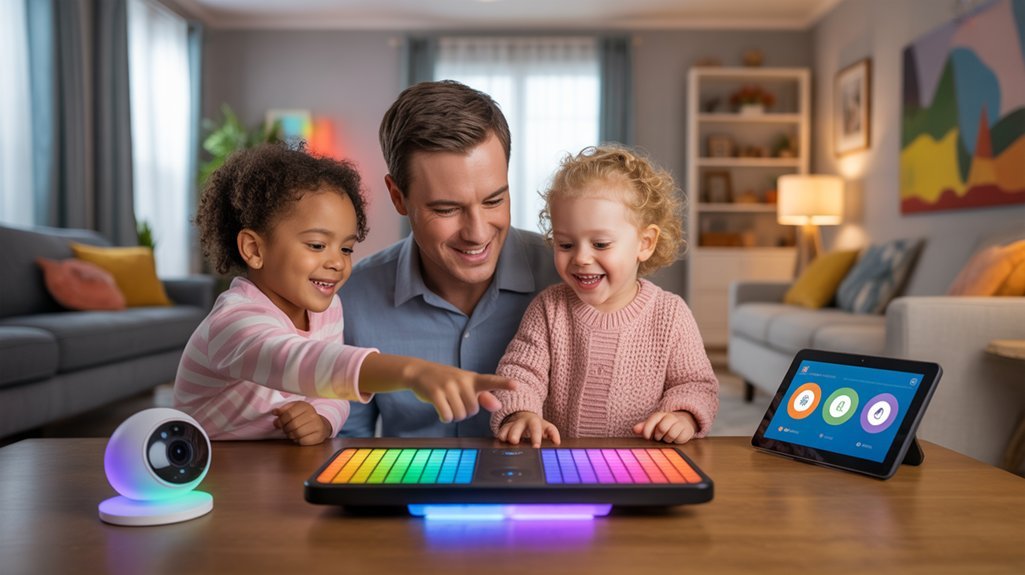
When you’re configuring voice-activated systems for children, you’ll need to implement specific parental controls and age-appropriate settings that prevent unauthorized purchases, content access, and external communications.
Amazon’s FreeTime on Alexa and Google’s Family Link enable you to filter explicit content, disable purchasing capabilities, and restrict messaging functions completely.
You can create custom voice commands that trigger pre-approved routines—like “bedtime mode” activating lights-off sequences or “homework time” blocking entertainment apps.
Train your children to use specific phrases you’ve vetted, giving them autonomy within boundaries you’ve established.
For kid safety, enable voice recognition features that distinguish between family members and strangers.
Set up activity dashboards that log all voice interactions, allowing you to review what your children are requesting.
Configure time restrictions that automatically disable non-essential features during school hours or late evenings, maintaining your household’s structure while teaching responsible technology use.
Screen Time Management Through Connected Devices
Connected home devices now function as centralized enforcement points for your family’s screen time policies, eliminating the need to manually monitor each child’s device usage.
You’ll gain extensive control through your router and smart home hub, establishing screen time limits across all connected devices simultaneously.
Deploy these enforcement mechanisms for maximum effectiveness:
- Automated device shutdowns that activate at predetermined times, blocking internet access to gaming consoles, tablets, and smart TVs
- Conditional access protocols that require completed homework or chores before enabling entertainment devices
- Usage analytics dashboards providing real-time visibility into each family member’s digital consumption patterns
You can implement digital rewards systems that automatically grant additional screen time when children meet specific behavioral benchmarks.
Advanced configurations allow granular control—restricting social media while permitting educational content, or throttling bandwidth during homework hours.
This infrastructure alters enforcement from reactive policing into proactive governance, ensuring compliance without constant supervision.
Temperature and Air Quality Monitoring for Children’s Health
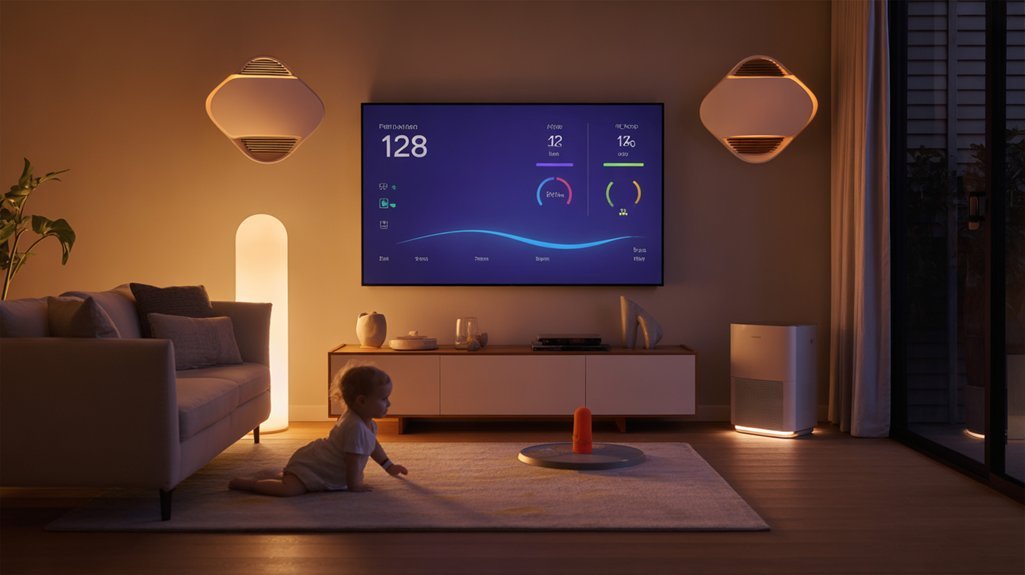
Smart sensors positioned throughout your home detect environmental hazards that disproportionately affect children’s developing respiratory systems and temperature regulation capabilities.
You’ll monitor particulate matter, volatile organic compounds, humidity levels, and carbon dioxide concentrations in real-time through centralized dashboards. Deploy sensors in nurseries, playrooms, and bedrooms where children spend concentrated time.
Advanced air quality monitoring systems trigger automated responses: HVAC adjustments, air purifier activation, or ventilation changes when thresholds exceed safe parameters. You’ll receive immediate alerts when carbon monoxide, radon, or allergen levels spike.
Temperature regulation systems maintain ideal ranges for different age groups—infants require warmer environments than older children.
Program zone-specific climate controls that adapt to seasonal variations and daily patterns. Integration with weather forecasting prevents overnight temperature drops that compromise sleep quality.
Data analytics identify patterns linking environmental conditions to respiratory symptoms, enabling proactive interventions.
You’re establishing documentation for pediatric consultations while eliminating guesswork from children’s environmental health management.
Geofencing Alerts to Track Your Kids’ Comings and Goings
Geofencing technology allows you to create virtual boundaries around specific locations—your home, school, or a friend’s house—and receive instant alerts when your child’s smartphone enters or exits these zones.
You’ll need to configure these boundaries through your smart home app or dedicated tracking service, carefully balancing radius size with notification frequency to avoid alert fatigue.
However, it’s critical to establish age-appropriate privacy guidelines with your children, ensuring transparency about monitoring practices and adjusting permission levels as they mature and earn greater independence.
How Geofencing Technology Works
When your child’s smartphone crosses a predetermined boundary, geofencing technology triggers an automatic notification to your device.
You’ll establish virtual perimeters around critical locations—home, school, or restricted areas—through GPS, cellular networks, or Wi-Fi positioning systems.
Modern geofencing applications process location tracking data in real-time, delivering actionable intelligence within seconds:
- GPS triangulation pinpoints your child’s exact coordinates with accuracy up to 15 feet
- Cellular tower data provides backup positioning when GPS signals weaken indoors
- Wi-Fi network detection improves precision in urban environments with dense connectivity
You’ll configure custom radius parameters from 100 feet to several miles, depending on your monitoring requirements.
The system operates continuously in the background, consuming minimal battery while maintaining surveillance integrity.
This technology changes passive worry into active oversight.
Setting Up Location Boundaries
Configure boundary alerts through your smart home app by selecting trigger points: entry, exit, or both.
The system instantly sends push notifications when your child crosses these digital boundaries. You’ll receive timestamped alerts with exact locations, eliminating guesswork.
Advanced setups integrate with smart locks, lighting, and security cameras, activating specific automations upon arrival.
This consolidated approach shifts passive monitoring into proactive family safety management, giving you complete operational control.
Privacy and Age Considerations
Before implementing geofencing for your children, you must balance safety benefits against privacy implications that vary greatly by age group.
Younger children (5-10) benefit from constant monitoring, while teenagers require graduated autonomy to develop responsibility and trust.
Configure age appropriate settings that scale with maturity:
- Elementary-age children: Full location tracking with instant alerts for boundary violations and predetermined safe zones
- Middle schoolers: Scheduled monitoring during school hours and evenings, with relaxed weekend parameters
- High schoolers: Check-in based systems that verify arrival at destinations without continuous surveillance
Data privacy demands encryption and strict access controls—limit who receives notifications and regularly audit stored location history.
You’re establishing safety protocols, not conducting surveillance operations.
Delete historical data quarterly and communicate transparently about monitoring parameters with your children.
Bedtime Routine Automations That Actually Work
A successful bedtime automation system starts with understanding your family’s natural wind-down patterns and building triggers around them. You’ll achieve peak effectiveness by stacking multiple sensory cues: dimming lights to 30% at 7:30 PM, triggering calming sounds through smart speakers, and automatically lowering thermostats to ideal sleep temperature (65-68°F).
Deploy motion sensors to detect when kids enter their rooms, activating preset scenes that include amber-hued lighting and white noise. Integrate smart locks to restrict access to entertainment areas after designated hours, eliminating negotiation battles.
For younger children, schedule smart displays to play bedtime stories at consistent times, creating non-negotiable routine anchors. Configure voice assistants with parental controls that disable certain commands after bedtime.
You’ll want failsafes: backup battery systems for critical devices and manual override switches accessible only to adults.
Program gradual changes rather than abrupt shifts—15-minute increments prevent resistance while maintaining your authority over household schedules.
Budget-Friendly Smart Home Starter Packages for Families
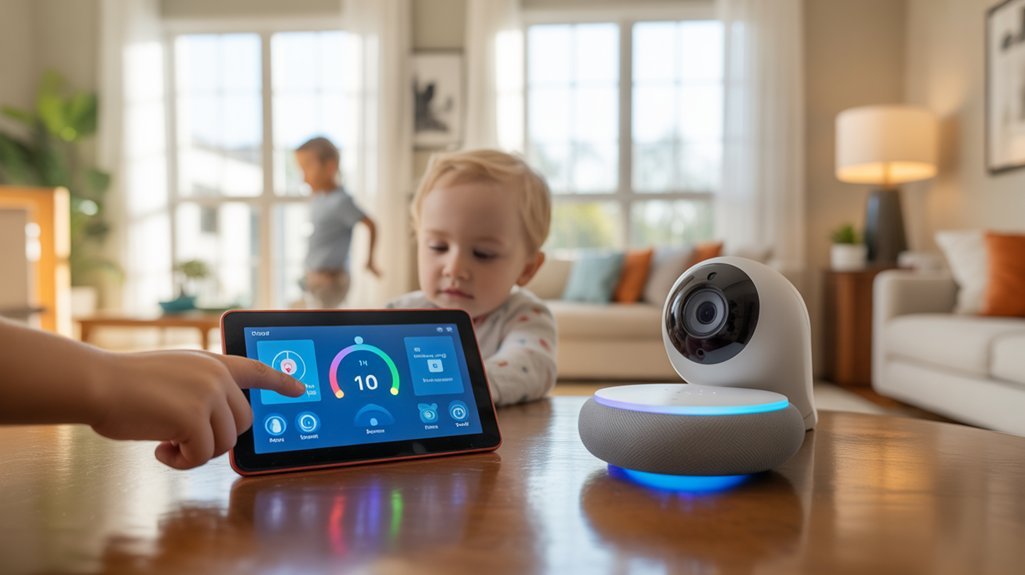
When you’re ready to automate your home without draining your savings, you’ll find the most cost-effective entry point through ecosystem-matched starter bundles rather than piecemeal purchases.
Ecosystem-matched starter bundles deliver 30-40% savings over individual purchases while ensuring seamless integration from day one.
These affordable bundles deliver 30-40% savings compared to individual component pricing while ensuring smooth integration from day one.
Strategic starter configurations for family environments:
- Amazon Echo + Ring Video Doorbell + Smart Bulbs package ($149-199): Voice control foundation with perimeter security monitoring and lighting automation
- Google Nest Hub + Nest Mini + Smart Plugs bundle ($129-179): Visual interface for kids, whole-home voice access, and appliance control without rewiring
- Apple HomePod Mini + Eve Smart Plug trio ($149-189): Privacy-focused ecosystem with HomeKit encryption and child-safe device management
Major retailers offer family discounts during back-to-school periods and Prime Day events, yielding additional 15-25% reductions.
You’ll enhance control and minimize vulnerability by selecting manufacturers with proven firmware update commitments and active security patch deployment histories.
Frequently Asked Questions
Can Smart Home Devices Be Hacked to Spy on My Children?
Yes, device vulnerabilities can enable hackers to access cameras and microphones.
You’ll reduce these risks by implementing strong security measures: use unique passwords, enable two-factor authentication, and regularly update firmware.
Choose devices with encryption protocols and verify manufacturer security certifications.
Disable unnecessary features, segment your network, and monitor connected devices actively.
You’re in control—prioritize products with established histories and transparent privacy policies.
Regular security audits confirm you’re maintaining fortress-level protection for your family’s digital environment.
What Happens to Automations During Internet or Power Outages?
Most smart home systems lose 60-80% of functionality during internet outages, but you’ll maintain control with proper outage preparedness.
Your automation reliability depends on local processing—hubs like Hubitat or Home Assistant keep critical routines running offline.
Invest in battery backup for essential devices protecting your children’s safety.
You’ll want hardwired sensors for security systems and local zigbee/Z-wave networks that don’t require cloud connectivity.
This guarantees your family’s protection remains uncompromised regardless of external service disruptions.
Are Smart Home Devices Safe From Electromagnetic Radiation for Kids?
Smart home devices emit low-level electromagnetic radiation that’s well below safety limits established by regulatory bodies.
You’ll minimize any radiation exposure by maintaining appropriate device distance—keep smart speakers and hubs at least three feet from children’s beds and play areas.
Install wireless routers in central locations away from bedrooms.
You’re in control: hardwire devices when possible, disable unused wireless features, and choose certified products.
These precautions give you complete command over your family’s electromagnetic environment.
How Do I Prevent Children From Bypassing Parental Controls?
Think of your smart home’s parental controls as layered fortress walls—each strengthening the next.
You’ll establish strong password protection using complex, regularly rotated credentials stored securely away from children’s access.
Implement administrative-level restrictions that can’t be modified without biometric authentication.
Deploy network-level screen time filters through your router, not just individual devices.
Monitor activity logs to detect bypass attempts.
Ultimately, you’re architecting an all-encompassing security framework that gives you complete oversight and control over your children’s digital environment.
Will Smart Devices Work With Our Existing Non-Smart Home Features?
Most smart devices offer excellent home automation integration with your existing features through universal protocols like Z-Wave, Zigbee, or Wi-Fi.
You’ll maintain complete control by using smart hubs that bridge legacy systems with modern tech. Check smart device compatibility before purchasing—most thermostats, locks, and lighting work alongside traditional switches.
You’re enabled to phase in upgrades gradually while preserving what works. Strategic integration guarantees safety monitoring capabilities improve, rather than replace, your proven systems.
Conclusion
You’ve got the blueprint to change your home into a fortress of safety and convenience—no need for a telegraph to communicate when something’s wrong. Start with one or two devices that address your family’s immediate concerns, then expand systematically. Prioritize security features first, followed by safety automations and convenience upgrades. Remember: you’re not just installing gadgets; you’re engineering a protective ecosystem that grows with your children’s needs while maintaining strong parental controls throughout.
Related Articles You Might Like