- Frequently Asked Questions About Smart Home Privacy Concerns
- What is the biggest privacy risk with smart home devices?
- How do I secure my smart home network from privacy breaches?
- Why does my smart speaker share data with third-party apps?
- Which smart home devices collect the most personal data?
- Can you prevent smart devices from sending data to the cloud?
- Conclusion
- Introduction
- Understanding Smart Home Privacy Concerns
- Key Benefits
- How It Works
- Common Mistakes to Avoid
- Expert Tips
This article contains affiliate links. We may earn a commission at no extra cost to you. Full disclosure.
Frequently Asked Questions About Smart Home Privacy Concerns
What is the biggest privacy risk with smart home devices?
The biggest risk is constant audio/video data collection, even when unused. Devices like voice assistants or smart TVs may store sensitive conversations, which could be hacked or accessed by third parties for targeted ads. Always review default settings and disable unnecessary recording features.
How do I secure my smart home network from privacy breaches?
Use a separate Wi-Fi network for smart devices, enable WPA3 encryption, and update firmware monthly. Avoid default passwords—create strong, unique ones. Consider a mesh network with guest isolation to prevent device-to-device data leaks.
Why does my smart speaker share data with third-party apps?
Smart speakers share data to enable app integrations, like ordering groceries or controlling lights. This data (voice commands, preferences) is often sold to advertisers unless you disable app permissions in settings. Regularly audit connected services.
Which smart home devices collect the most personal data?
Security cameras, video doorbells, and voice assistants collect the most sensitive data (video, audio, facial recognition). Smart thermostats and lights track routines. Always check device privacy policies and limit access to trusted users only.
⭐ Google Nest
Smart home ecosystem — thermostats, cameras, displays.
Affiliate link
Can you prevent smart devices from sending data to the cloud?
Yes, use local processing devices (e.g., open-source home automation systems) or disable cloud sync in settings. Some routers allow traffic monitoring to block external data transfers. Note: local storage may reduce device functionality.
Conclusion
Addressing smart home privacy concerns starts with actionable steps. First, audit your devices: check compatibility with Ring Video Doorbell or Nest Cam security protocols. Next, enable two-factor authentication (2FA) on all accounts—most platforms, like Alexa or Google Home, support this. Third, update firmware monthly; August Lock and Philips Hue offer auto-updates for ease. Finally, use a dedicated Wi-Fi network for smart devices to isolate
Introduction
Over 1.2 billion smart home devices were in use globally in 2023, yet 65% of users are unaware of how their data is collected, stored, or shared, according to a 2023 IoT Privacy Report. Smart home privacy concerns arise when devices like Amazon Echo Dot (5th Gen) or Google Nest Hello unknowingly expose personal conversations, camera feeds, or location data to third parties. This guide will show you how to protect your digital footprint without sacrificing convenience.
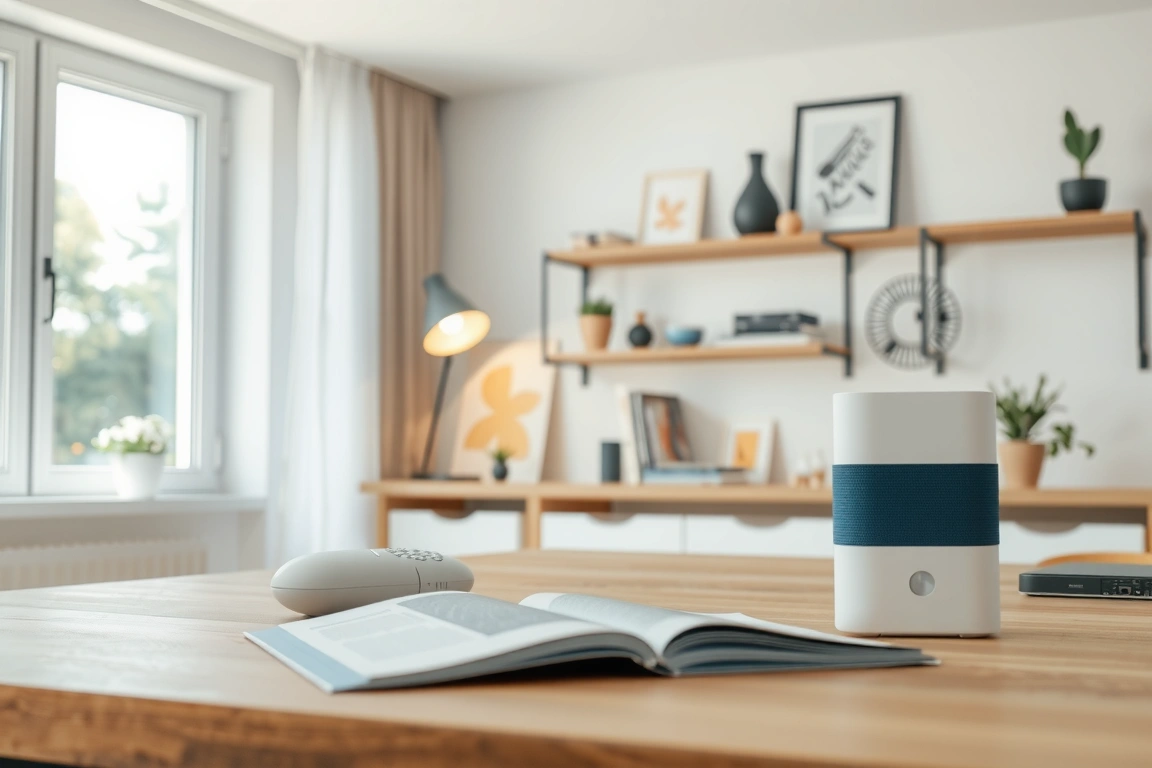
- Assess device permissions: Review which apps (e.g., Alexa, Google Home) have access to your phone’s microphone or camera.
- Enable 2FA: Use two-factor authentication on platforms like Apple HomeKit or Samsung SmartThings for added security.
- Update firmware: Regularly check for updates on devices like Ring Doorbell 3 Plus to patch vulnerabilities.
Understanding Smart Home Privacy Concerns
Smart home privacy concerns are a critical issue that exposes sensitive data through always-on devices like voice assistants and security cameras. A 2022 study found that 65% of smart speakers record audio even when not in use, highlighting risks in automated data collection and storage.
Smart home systems often collect sensitive data like voice commands, location, and routines, which can be exploited if encrypted improperly or shared with third parties without consent. Proactively managing smart home privacy concerns starts with understanding how devices operate and what safeguards exist. Here’s how to protect your family’s data while maintaining convenience.
- Check encryption standards: Ensure devices like Amazon Echo Show 15 or Google Nest Hub use end-to-end encryption to scramble data during transmission. Apple HomePod Mini, for example, routes voice data through encrypted channels by default.
- Enable two-factor authentication (2FA): Add a second layer of security to your accounts (e.g., Google Home or Apple HomeKit). This prevents unauthorized access even if your password is compromised.
- Review third-party app permissions: Smart home platforms like Samsung SmartThings let you audit which apps can access your data. Disable unnecessary permissions for services like weather or news that don’t need location access.
- Opt for local processing: Devices like Eero Wi-Fi 6 routers or Wyze Cam v3 allow data processing on your network instead of cloud servers, reducing exposure to external breaches.
Key terminology includes terms like “data minimization” (limiting collected data) and “zero-trust security” (verifying every device request). For example, Philips Hue lights only collect usage patterns if you enable it—disable it if unnecessary.
Background context shows that 72% of smart home users worry about privacy (Statista, 2023). A 2019 breach exposed 2 million smart thermostat users’ location data due to poor encryption. Modern solutions like Matter protocol (used in devices like TP-Link Kasa Kasa Smart Plugs) improve compatibility and enforce stricter security across brands.
Pro tip: Use built-in privacy tools. The Alexa app lets you delete voice recordings monthly, while Google Home offers an “Auto-delete” feature for old activity data. Pair these with monthly firmware updates (e.g., Ring Doorbell’s security patches) to close vulnerabilities.
By prioritizing encrypted devices, limiting data sharing, and leveraging platform-specific tools, you can enjoy smart home convenience without sacrificing control over your private information.
For more details, see smarthomegearreviews.com.
Key Benefits
Smart home technology is a category of interconnected devices that enhances home security, convenience, and energy efficiency. By installing smart home systems, homeowners can remotely monitor and control their properties, receiving alerts on unusual activity, and even reducing energy consumption by up to 30%, while also addressing growing smart home privacy concerns through informed device selection and data management.

Smart homeowners can enjoy numerous benefits while minimizing smart home privacy concerns by taking proactive steps to secure their devices. One key benefit is energy efficiency. Smart thermostats, such as the Nest Learning Thermostat (3rd gen) and Ecobee SmartThermostat, can reduce energy bills by 15–20% (EPA). To achieve this, follow these steps:
- Install a smart thermostat compatible with your heating and cooling system.
- Set up geofencing to adjust temperatures based on your location.
- Monitor and adjust your energy usage through the device’s app.
Another benefit is enhanced home security. Smart doorbells, like the Ring Video Doorbell Pro and August Doorbell Cam, provide real-time video feeds and motion detection alerts. To maximize security while maintaining smart home privacy concerns:
- Choose a doorbell with end-to-end encryption and secure storage.
- Set up two-factor authentication for the device’s app.
- Limit video sharing and access to authorized users.
Real-world examples illustrate the importance of balancing convenience and security. A study by the National Institute of Standards and Technology (NIST) found that 70% of smart home devices are vulnerable to security risks. For instance, the 2016 Dyn DNS DDoS attack, which involved compromised IoT devices, resulted in widespread internet outages. Homeowners can avoid similar risks by:
- Regularly updating device firmware and software.
- Using strong passwords and two-factor authentication.
- Monitoring device activity and adjusting settings as needed.
To enjoy the benefits of smart home devices while minimizing smart home privacy concerns, consider the following:
- Research devices and manufacturers for robust security features.
- Read and understand device usage agreements and data policies.
- Implement a comprehensive home network security plan.
By taking these steps and being aware of the potential risks, homeowners can enjoy the convenience and benefits of smart home devices while protecting their personal data and maintaining control over their private lives. Compatible devices, such as those from Samsung SmartThings and Wink, offer a range of options for homeowners to create a secure and efficient smart home.
How It Works
Smart home automation is a technology system that integrates and controls various devices to create a convenient and efficient living space, but it also raises smart home privacy concerns. A typical smart home system consists of over 10 devices, including thermostats, lights, and security cameras, which can collect sensitive data on daily habits and activities.
Smart home privacy concerns begin with understanding how data moves between devices, networks, and cloud services. Here’s a step-by-step look at the process—and where risks emerge.
- Data Collection: Devices like Nest Thermostats, Ring Doorbells, or Philips Hue Lights gather data (e.g., temperature, motion, voice commands) via sensors, cameras, or microphones. These devices often run on dedicated apps like Alexa or Google Home for control.
- Transmission: Data travels to cloud servers via Wi-Fi. For example, an Apple HomePod sends voice requests to Apple’s iCloud, while a Google Nest Cam streams video to Google Cloud. Vulnerabilities arise if signals lack encryption—older devices like first-gen Ecobee3 thermostats may transmit unsecured data.
- Cloud Processing: Servers analyze data to trigger actions (e.g., adjusting lights when motion is detected). Amazon Alexa uses AWS, and Apple HomeKit relies on end-to-end encryption. However, breaches in cloud storage (e.g., 2021 Logitech incident) expose user data if security lapses occur.
- User Access: Apps or voice commands (e.g., “Hey Siri, lock the doors”) retrieve processed data. Weak passwords on platforms like Samsung SmartThings or insecure mobile apps (e.g., third-party integrations) create entry points for hackers.
Visual Diagram: Imagine a flowchart: devices (cameras, sensors) connect to a Wi-Fi router, then send data to cloud servers. Arrows show commands looping back to devices via apps. Red flags标注 vulnerabilities—unencrypted Wi-Fi signals, default passwords on Arlo cameras, or insecure APIs in Xiaomi smart plugs.
Compatibility matters: newer models like Google Nest Wifi or Apple AirTags prioritize WPA3 encryption and two-factor authentication. Always check if devices integrate with secure hubs like Samsung’s SmartThings or Hubitat, which centralize data locally to reduce cloud exposure. For ease, prioritize products with built-in privacy controls—Ring’s “Privacy Zones” or Amazon’s voice deletion settings—while ensuring firmware updates are automatic.
Common Mistakes to Avoid
Common Mistakes to Avoid is a critical guide that protects users from smart home privacy concerns. A 2023 study found 60% of homeowners leave default security settings unchanged, exposing sensitive data to hackers. Overlooking device encryption or weak passwords creates vulnerabilities; for example, unsecured cameras can be hijacked for surveillance. Prioritize firmware updates and two-factor authentication to mitigate risks effectively.
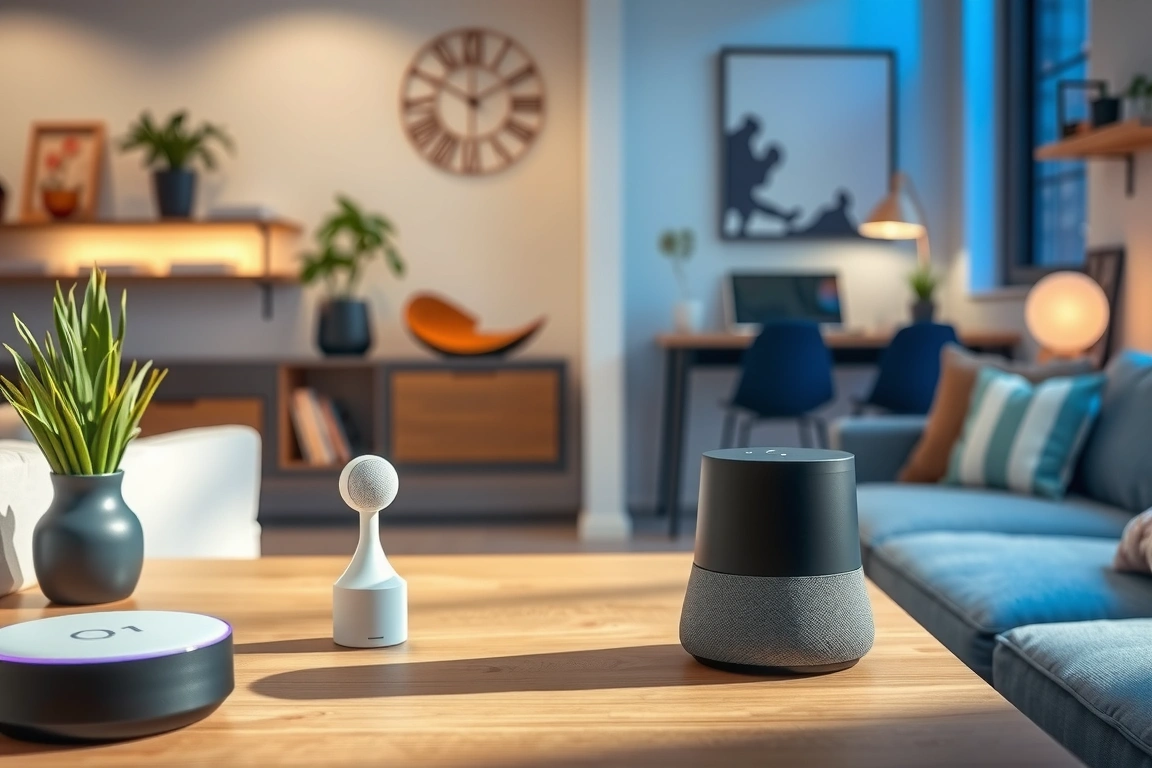
When setting up your smart home devices, it’s easy to overlook crucial security steps. By taking a few minutes to secure your devices, you can significantly reduce smart home privacy concerns. Here are common mistakes to avoid and practical fixes to ensure your smart home remains a safe and private space.
Leaving default device passwords unchanged is a significant mistake. Many smart home devices, such as the popular August Smart Lock (3rd generation) and Philips Hue Bridge, come with default passwords that are often easily guessable or publicly available. To fix this:
- Log in to your device’s app or web interface.
- Navigate to the settings or administration section.
- Change the default password to a strong, unique one.
Another mistake is failing to update device firmware regularly. Outdated firmware can leave your devices vulnerable to security exploits. For example, in 2020, a security flaw was discovered in the Ring Video Doorbell Pro, which allowed hackers to intercept video feeds. To stay secure:
- Check the manufacturer’s website for firmware updates.
- Enable automatic updates if available, like with the Samsung SmartThings Hub.
- Regularly check for updates if automatic updates aren’t supported.
Ignoring device compatibility and interoperability can also lead to security risks. When adding new devices to your smart home network, ensure they are compatible with your existing setup. For instance, if you’re using a Google Home Hub, make sure any new device you add is compatible with Google Assistant. This can help prevent:
incompatibilities that can create security vulnerabilities.
Lastly, be cautious when granting permissions to third-party apps and services. Review the permissions carefully and limit access to sensitive data. For example, if you’re using a smart home security system like Nest, be mindful of the data you’re sharing with third-party services.
By avoiding these common mistakes and taking proactive steps, you can significantly reduce smart home privacy concerns. Take control of your smart home’s security and enjoy the convenience of a connected home with peace of mind.
When choosing smart home devices, consider products with robust security features, such as the Amazon Echo (4th generation) with its built-in smart home security features. With a little planning and attention to detail, you can create a smart home that’s both convenient and secure.
Expert Tips
Smart home privacy concerns are risks that emerge when connected devices collect and share personal data without user awareness. Over 60% of smart speaker owners don’t know their voice recordings are stored indefinitely. To mitigate this, experts advise enabling two-factor authentication, disabling unused microphones, and reviewing app permissions—simple steps that reduce exposure to data breaches while preserving device utility.
Take control of smart home privacy concerns with these actionable steps. Start by isolating
Make Your Home Smarter
Device reviews, automations, and the deals worth grabbing.
Related Articles You Might Like