- Key Takeaways
- Understanding Smart Home Ecosystems: Which Platform Is Right for You?
- Essential Smart Devices Every Beginner Should Consider
- Step-by-Step Installation and Configuration Process
- Ensuring Device Compatibility and Seamless Integration
- Common Mistakes to Avoid When Building Your Smart Home
- Frequently Asked Questions
- How Much Does It Cost Monthly to Maintain a Smart Home?
- Can Smart Home Devices Work During Internet or Power Outages?
- What Happens to My Smart Devices if the Company Shuts Down?
- Are Smart Home Devices Safe From Hackers and Data Breaches?
- How Much Does a Smart Home Increase Property Value?
- Conclusion
- Related Reading
- Related Reading


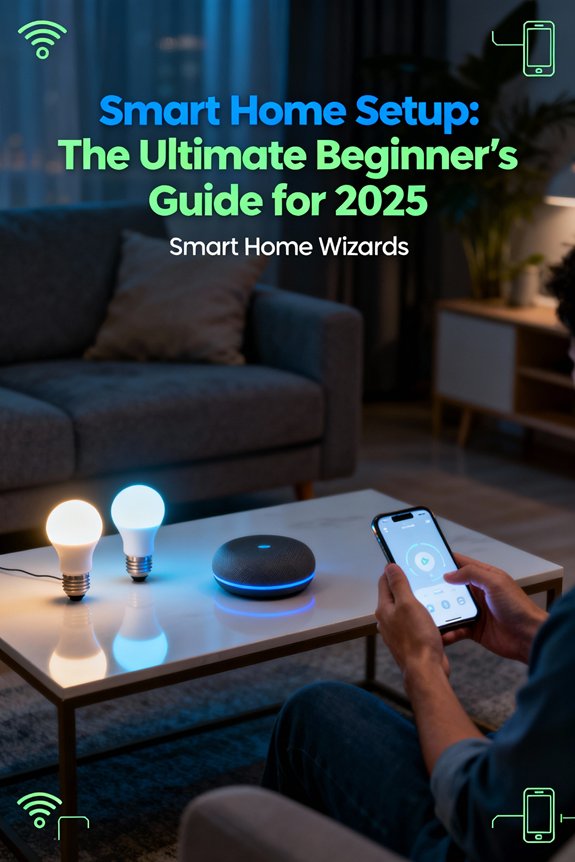
Start with one task you want to automate, then choose a platform and one compatible device. Before buying a full set, check the device type your platform supports and whether you need a Matter controller or a Thread border router. Google’s Matter setup guide explains its hub and IPv6 requirements. Follow the device’s network instructions, complete setup, and test a simple routine before expanding.
Before choosing devices, use our free setup-planning worksheet to record what you already own, check compatibility requirements and plan first-year costs. It includes renter and beginner starting points, a buy-nothing example and a printable three-page PDF. For a quick shortlist instead, the smart home starter plan turns six answers into a buying order.
Key Takeaways
- Choose a smart home ecosystem (Alexa, Google Home, HomeKit, or SmartThings) based on your device preferences and integration needs.
- Start with essential devices: smart lighting, thermostat, security cameras, and a voice assistant hub for maximum impact.
- Check each device’s supported Wi-Fi band and network requirements before purchasing; bandwidth needs depend on the products and features you use.
- Prioritize Matter-certified devices to ensure cross-platform compatibility and avoid proprietary ecosystem lock-in risks.
- Use WPA3 where supported, or a compatible WPA2 configuration, change default passwords, and check device communication requirements before using an isolated network.
Understanding Smart Home Ecosystems: Which Platform Is Right for You?
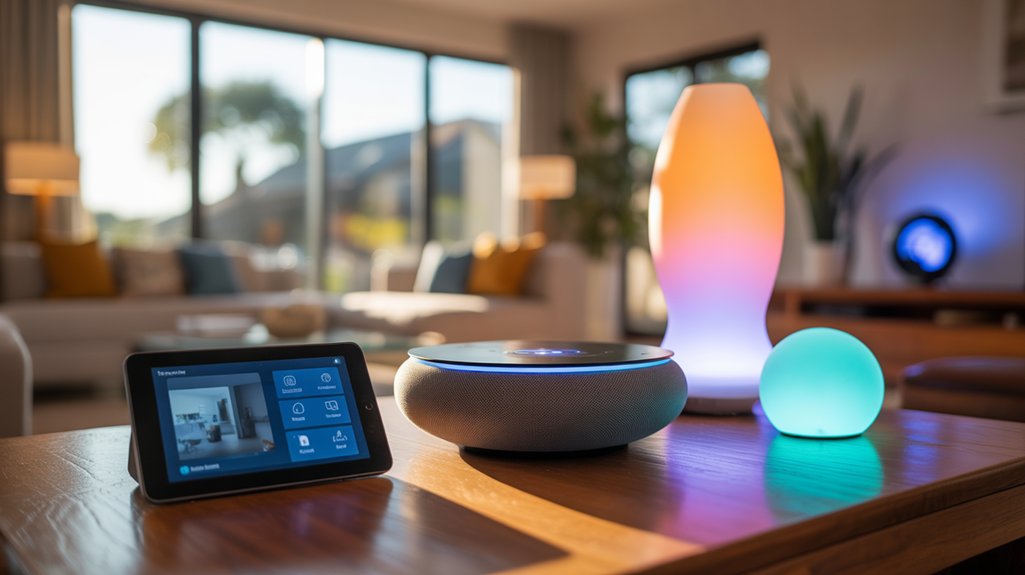
The foundation of any smart home lies in choosing a compatible ecosystem—Amazon Alexa, Google Home, Apple HomeKit, or Samsung SmartThings. Your selection determines device compatibility, automation capabilities, and long-term scalability.
Amazon Alexa dominates with the broadest third-party device support and aggressive pricing. You’ll gain access to 140,000+ compatible products and strong voice control.
Google Home excels in natural language processing and search integration. Its smart assistants deliver superior contextual understanding and cross-device synchronization.

Apple HomeKit prioritizes security through end-to-end encryption and local processing. You’re restricted to certified devices, but you’ll experience smooth iOS integration and privacy-first architecture.
Samsung SmartThings offers maximum flexibility with protocol support spanning Zigbee, Z-Wave, and Wi-Fi. You’ll open advanced automation without platform lock-in.
The industry is moving toward universal standards with major players like Apple, Amazon, and Google collaborating on unified smart home protocols to reduce fragmentation.
Ecosystem benefits multiply as you expand. Cross-platform compatibility exists but degrades functionality. Commit to one primary platform, ensuring your devices utilize native integrations for peak performance and reliability.
Essential Smart Devices Every Beginner Should Consider
After selecting your ecosystem, you’ll need four foundational device categories to establish functional smart home control: intelligent lighting, climate management, security monitoring, and voice interface hardware.
Smart lighting systems provide immediate automation impact. Deploy color-tunable bulbs in high-traffic zones, supplemented by motion-activated switches that eliminate manual control dependencies.
Priority deployment sequence:
- Perimeter security cameras with 2K resolution minimum, featuring edge recording and AI-powered person detection to eliminate false alerts.
- Choose a smart thermostat compatible with your HVAC system and check its supported occupancy features. ENERGY STAR estimates average savings of approximately 8% on heating and cooling bills for certified smart thermostats. Actual savings vary with climate, comfort settings, occupancy and HVAC equipment; this is not a guaranteed reduction in your whole-home energy bill.
- Voice assistant hub strategically positioned for whole-home coverage, serving as your command interface for routine automation and device orchestration.
These components create your control infrastructure. Budget-conscious beginners can start with comprehensive alarm security kits that bundle multiple sensors and monitoring components at significant savings compared to individual device purchases.
You’ll utilize APIs and cross-platform integrations to build sophisticated automation sequences. Start with individual device mastery before implementing complex scenes—systematic deployment prevents configuration conflicts and guarantees reliable system performance.
Step-by-Step Installation and Configuration Process
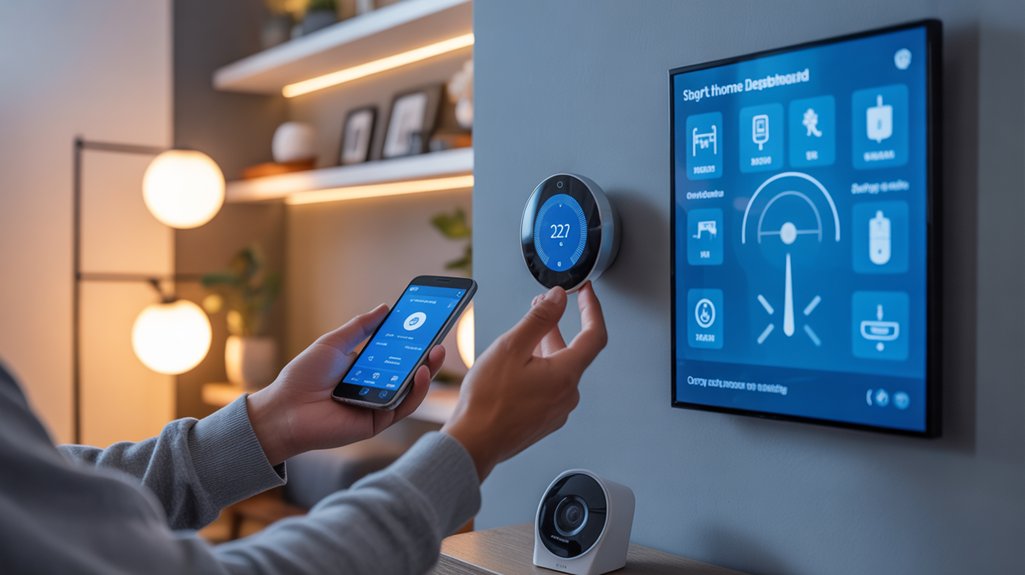
Check Wi-Fi coverage where each device will be installed and follow its network requirements. For Google Home Matter setups, confirm the required hub and IPv6 configuration before pairing devices.
Deploy your central hub first, positioning it within 30 feet of primary devices. Check device compatibility before enabling WPA3. Treat VLAN segmentation as an advanced option, not a required first setup step.
Google’s setup troubleshooting guidance explains that AP or client isolation can prevent Chromecast, Nest and Home devices from communicating during setup. This does not make every VLAN design incompatible, but it means network isolation needs device-specific planning and testing. Follow your router and device documentation.
Google’s Wi-Fi security guidance supports WPA2 and WPA3 and notes that some older devices can have connection problems even with WPA3 transition mode. Follow your router and device instructions, test connectivity after a change, and avoid obsolete WEP or original WPA security.
Position your central hub strategically, choose a Wi-Fi security mode supported by your devices, and test device discovery and local control before changing network segmentation.
Install devices systematically by room, starting with lighting controls and thermostats for immediate energy management benefits. Update firmware before initial configuration—manufacturers patch security flaws regularly. Establish unique passwords for each device; credential reuse compromises your entire ecosystem.
Map device locations in your control app and create occupancy or time-based routines. Check which controls work without internet access, following the manufacturer’s test procedure. Document MAC addresses and IP assignments for troubleshooting; do not assume every automation has an offline mode.
Configure backup routines weekly, storing settings locally and cloud-based for redundancy.
Ensuring Device Compatibility and Seamless Integration
Before purchasing additional devices, verify protocol compatibility with your existing hub—mismatched communication standards (Zigbee, Z-Wave, WiFi, Thread) create orphaned devices that won’t integrate.
Device interoperability demands systematic validation. Cross-reference your hub’s supported protocols against manufacturer specifications before acquisition. You’ll optimize ecosystem cohesion through these critical actions:
- Audit your network architecture: Document existing protocols, firmware versions, and manufacturer ecosystems to identify compatibility constraints and expansion opportunities.
- Prioritize Matter-certified devices: Matter supports shared control across compatible platforms, but platform support for device categories and features varies. Check the exact product and platform combination before buying; some advanced features still use the manufacturer’s app.
- Implement network segmentation: If you use VLANs, plan the communication paths your devices and control apps require, then verify discovery, local control and automations. Do not assume an isolated guest network will work for every device.
Test integrations immediately after installation. Failed automations indicate protocol mismatches or firmware conflicts requiring immediate resolution.
You’ll prevent cascading integration failures by validating each device’s communication pathway before deploying additional endpoints. Proper compatibility planning converts fragmented purchases into unified intelligent infrastructure.
Common Mistakes to Avoid When Building Your Smart Home
While enthusiasm drives initial smart home investments, improper planning creates expensive technical debt that’ll compound with each new device addition.
You’ll sabotage your ecosystem by ignoring budget limitations—overspending on flagship devices while neglecting essential infrastructure like sturdy mesh networks and backup power solutions.
Security concerns demand immediate attention: default passwords, unpatched firmware, and devices lacking encryption convert your network into an attack surface.
Don’t chain yourself to proprietary ecosystems that’ll obsolete your hardware within three years.
Bandwidth miscalculation cripples performance when simultaneous device communication saturates your network.
You’re compromising long-term scalability by purchasing incompatible protocols—verify Matter, Zigbee, or Z-Wave support before checkout.
Avoid deploying devices without documented API access; you’ll need programmatic control for advanced automations.
Skip the temptation to automate everything immediately—complex scenes without proper testing create frustrating failure cascades.
Master fundamental integrations first, then expand systematically based on proven reliability metrics.
Frequently Asked Questions
How Much Does It Cost Monthly to Maintain a Smart Home?
There is no single monthly cost for a smart home. Budget for the devices you actually run and any optional subscriptions you choose; basic features on some devices work without a paid plan, while recording history or advanced services may require one.
For example, Ring cameras offer Live View, motion alerts and Two-Way Talk without a subscription, while saving and reviewing recordings requires a supported paid plan. Check the exact device and features before budgeting.
Google’s camera feature comparison separates included features from Google Home Premium benefits; video-history options vary by camera model and plan. Check current prices in your country, whether billing is monthly or annual, device or location coverage, and applicable taxes rather than assuming a universal per-camera fee.
Estimate electricity cost from actual average power, operating hours and your utility rate: watts × hours ÷ 1,000 = kWh, then kWh × price per kWh = cost. This follows the U.S. Department of Energy’s energy-use calculation. For illustration only, a device averaging 5 W continuously for a 30-day month uses 3.6 kWh; at an assumed $0.20/kWh, that is $0.72. This is not a measured device result or a whole-home estimate.
Add model-specific battery replacements and any chosen storage or monitoring services to your budget. Review the vendor’s support and fee terms separately; firmware updates are not automatically a recurring subscription charge.
Can Smart Home Devices Work During Internet or Power Outages?
Internet and power outages have different requirements. Home Assistant documents local and cloud dependencies: supported local integrations can work without internet, while vendor-cloud integrations and internet-based services cannot.
Check the exact devices, integrations and routines you use. Local control still needs the relevant powered devices and working communication links.
A UPS can provide temporary power to compatible connected equipment. Plan for the hub and any required router, access point or bridge, and follow the UPS manual. APC explains that runtime decreases as load increases; battery condition also matters.
Backup power does not restore a failed internet service or power equipment outside its supported load. A battery-powered sensor alone does not establish that alerts, monitoring or automations will remain available.
What Happens to My Smart Devices if the Company Shuts Down?
A vendor shutdown can remove cloud features. A local hub does not restore a discontinued cloud-only integration. Home Assistant’s local-control guidance distinguishes these dependencies.
Before buying, check that the exact device supports a documented local integration with your chosen hub. A Zigbee, Z-Wave or Matter label alone does not confirm every feature or automation will survive a service closure.
Record which functions use local control and which need vendor servers. Plan a replacement for cloud-dependent functions rather than assuming a hub change preserves them.
Retained operation depends on the device, integration and service that ends; full automation continuity is not guaranteed.
Are Smart Home Devices Safe From Hackers and Data Breaches?
Smart home devices face real privacy concerns and hacking risks, but you’re not defenseless. Implement strong security protocols: use WPA3 where supported, or WPA2 when required for device compatibility, use unique passwords with two-factor authentication, and review network segmentation only after checking the communication requirements of your devices.
Choose manufacturers with established security histories and automatic firmware updates. You’ll minimize vulnerabilities by disabling unnecessary features, regularly auditing device permissions, and monitoring network traffic.
Your security posture determines your risk exposure—take control proactively.
How Much Does a Smart Home Increase Property Value?
Your smart home’s a chess piece advancing across the real estate board.
You’ll capture 3-5% appreciation in property appraisal when you’ve deployed integrated automation systems. Market trends confirm buyers prioritize homes with pre-installed IoT infrastructure—you’re positioning for dominance.

Strategic implementations like smart thermostats, security systems, and lighting controls deliver measurable ROI. However, you’ll enhance gains by focusing on professionally installed, mainstream platforms rather than niche solutions.
Document everything for appraisers.
Conclusion
You’re now equipped to deploy your smart home infrastructure with confidence. Consider this: by 2025, you’ll join 400 million households worldwide operating connected ecosystems—that’s roughly one smart home every 2.5 seconds being activated globally. You’ve got the technical foundation for platform selection, device integration protocols, and compatibility matrices. Start with your core devices, validate interoperability, then scale systematically. Your automated environment isn’t just convenient—it’s architected infrastructure that’ll evolve as IoT standards mature.
🔗 Related From Our Network
- The Ultimate Guide to Connected Entertainment System in 2025
- The Ultimate Guide to Home Network Optimization in 2025
- The Ultimate Guide to Must Have Smart Home Devices 2025 in 2025
Compare Smart Home Devices
Browse smart home devices on Amazon. Check the exact model’s platform compatibility and installation requirements before buying; this search does not identify a bundled starter kit.
Make Your Home Smarter
Device reviews, automations, and the deals worth grabbing.
Related Articles You Might Like